








FAQ-WH01
Is there a way to check battery level?
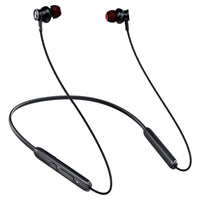
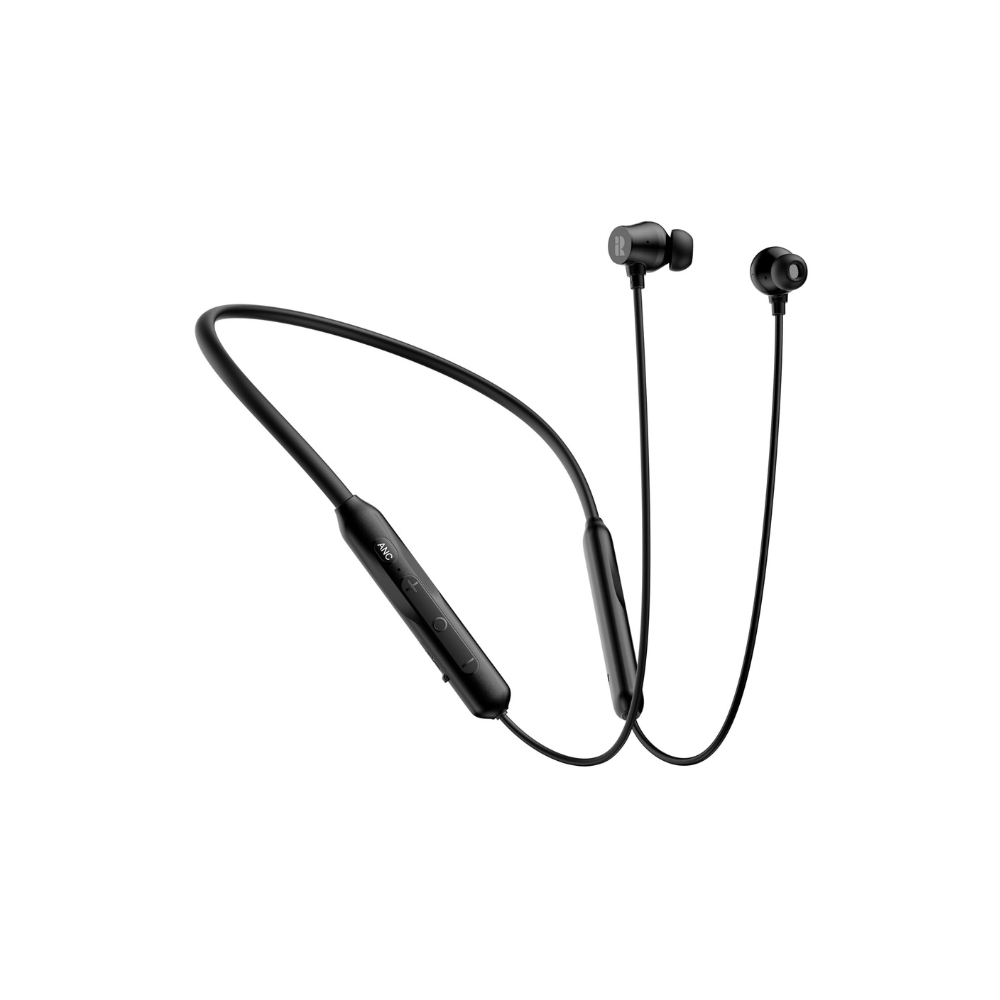
There are several ways to check the battery level on Rythflo neckband Bluetooth headphones:
1. On Your Device: The battery level of the connected Bluetooth device is displayed in the status bar or in the Bluetooth settings menu.
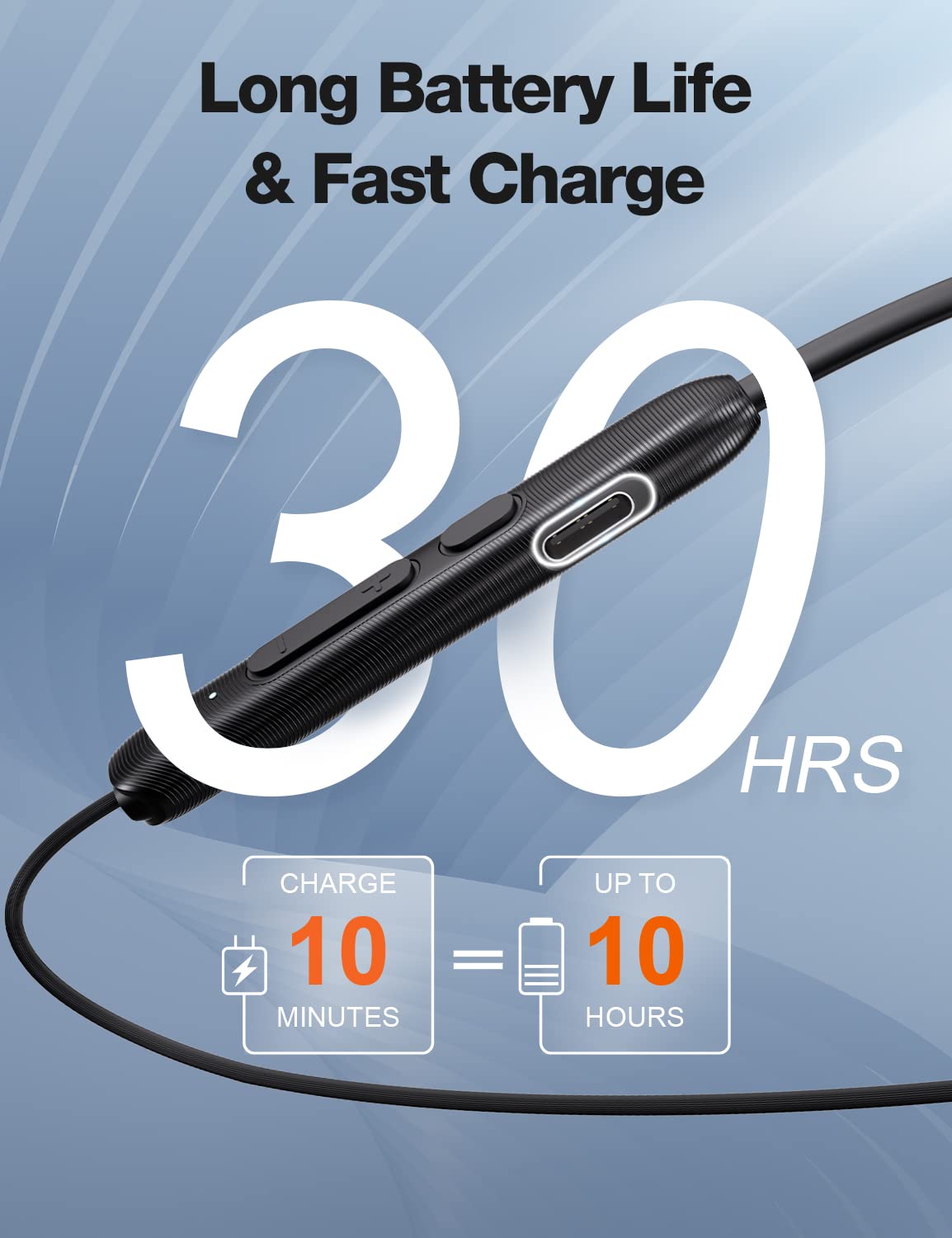
2. LED Indicators: Our Rythflo neckband Bluetooth headphones have LED indicators that show different colors or blink patterns to indicate battery levels.
- Battery Low: Red flashing
- Chagring: Red Solid
- Full Charged: White Solid( WH02/WH03-Blue Solid)
3. Voice Prompts: Battery Low voice alert when the battery is low.
4. Battery Widget: On iOS devices, you can add the battery widget to your home screen to see the battery levels of connected Bluetooth devices.
The two devices have been connected successfully, but the phone only has media sound but no sound for calls?
Please try the following solutions:
1. Check Bluetooth Settings:
- Open the “Settings” on your phone.
- Go to “Connections” > “Bluetooth”.
- Find and tap on the connected Rythflo neckband Bluetooth headphones.
- Ensure that the “Calls” option is enabled and the “Audio Device Type”option is Headphones.
2. Reconnect the Headphones
- In the “Bluetooth” settings, disconnect and forget the bluetooth headphones.
- Re-search and pair the headphones again.
3. Restart Devices:
Restart both your phone and the Rythflo neckband Bluetooth headphones.
4. Bluetooth Configuration:
- Check the audio output settings for phone calls in “Settings” > “Sound and vibration” > “Audio output”.
5. Reset the Headphones:
The headphones suddenly stopped working while exercising, and then worked again a little while later. Is it broken?
Please try the following troubleshooting steps:
1. Avoid Interference:
Ensure there are no physical obstacles or electronic devices interfering with the Bluetooth signal between your headphones and phone.
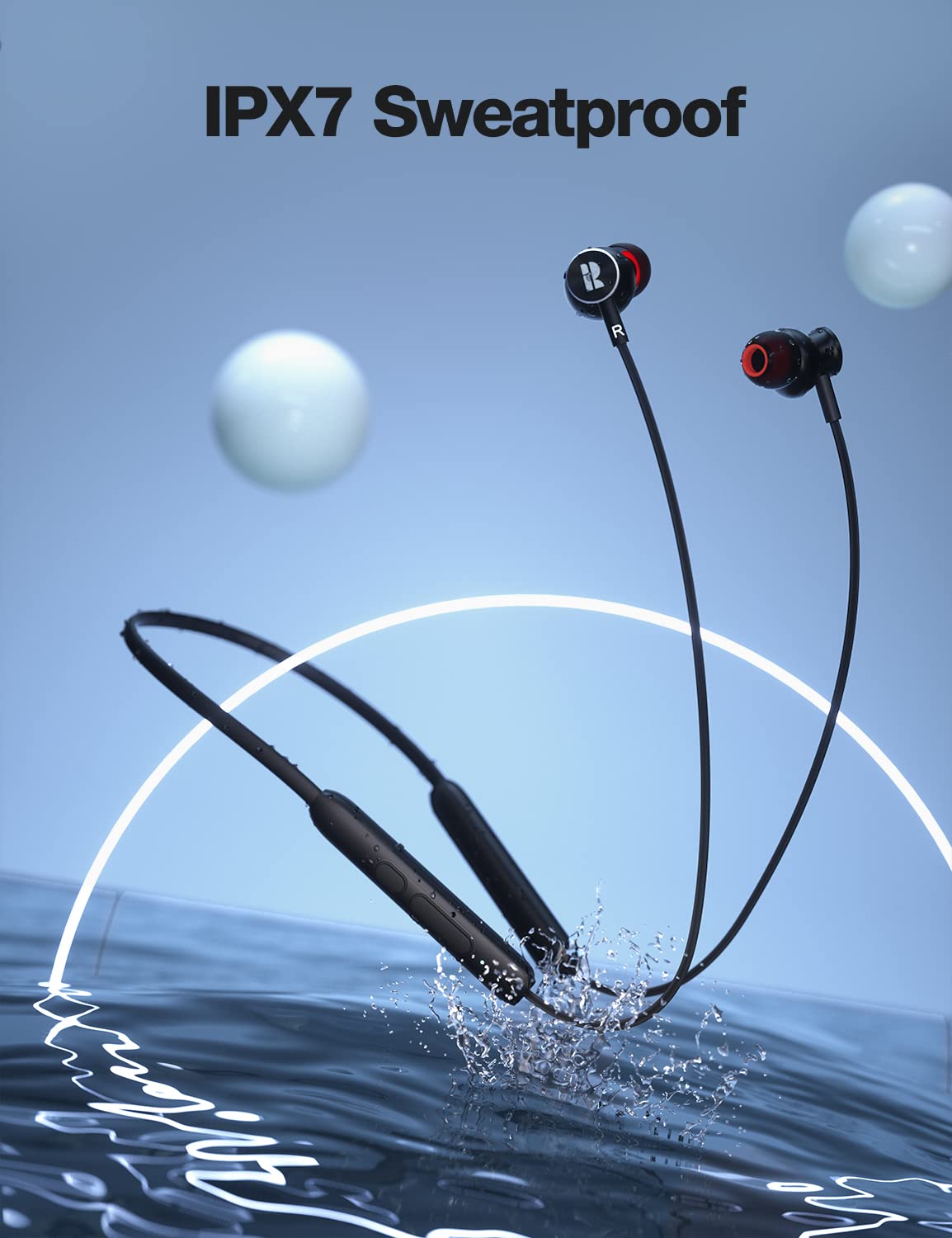
2. Check for Sweat or Moisture:
Excessive sweating during exercise can affect the performance of your headphones. Make sure the headphones have good water resistance and wipe them dry after use. P.s. The short circuit is caused by sweat entering into the headset sound channel port, or sweat on the neck flowing down the headset cable to the location of the charging port. And after a long time sweat will corrode the product, the subsequent may not turn on the phenomenon. But the sports in-line Bluetooth headphone on the market is difficult to circumvent the emergence of such problems.
If the issue persists, contact Rythflo customer support to check if the headphones send a replacement.
The headset is connected to the phone, but the headset disconnects multiple times?
If your Rythflo neckband Bluetooth headphones frequently disconnect from your phone within a short period, you can try the following solutions:
1. Check Battery Status:
Ensure both your headphones and phone are sufficiently charged. Low battery levels can cause unstable connections.
2. Use Within Range & No physical obstacles between the headphones and the phone:
- Ensure the phone and headphones are within the recommended Bluetooth range (within 10 meters) and try to avoid barriers like walls.
- Avoid using the headphones in environments with many electronic devices that might interfere with the Bluetooth signal.
3. Disable Multi-Device Connection:
If the headphones are connected to multiple devices, try connecting them to only one device to reduce potential interference.
Are the ends magnetic? When the earbuds connect magnetically, does this pause the music and pick up where you left off when you separate them?
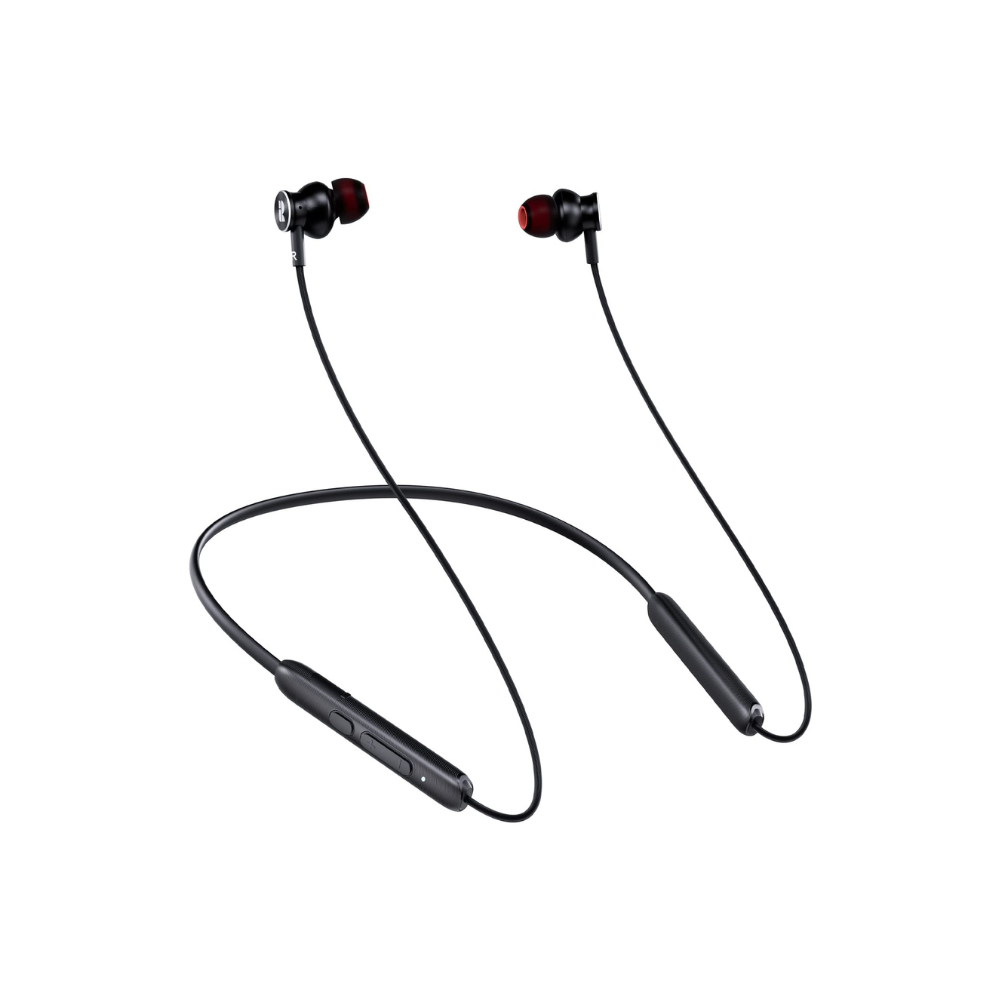
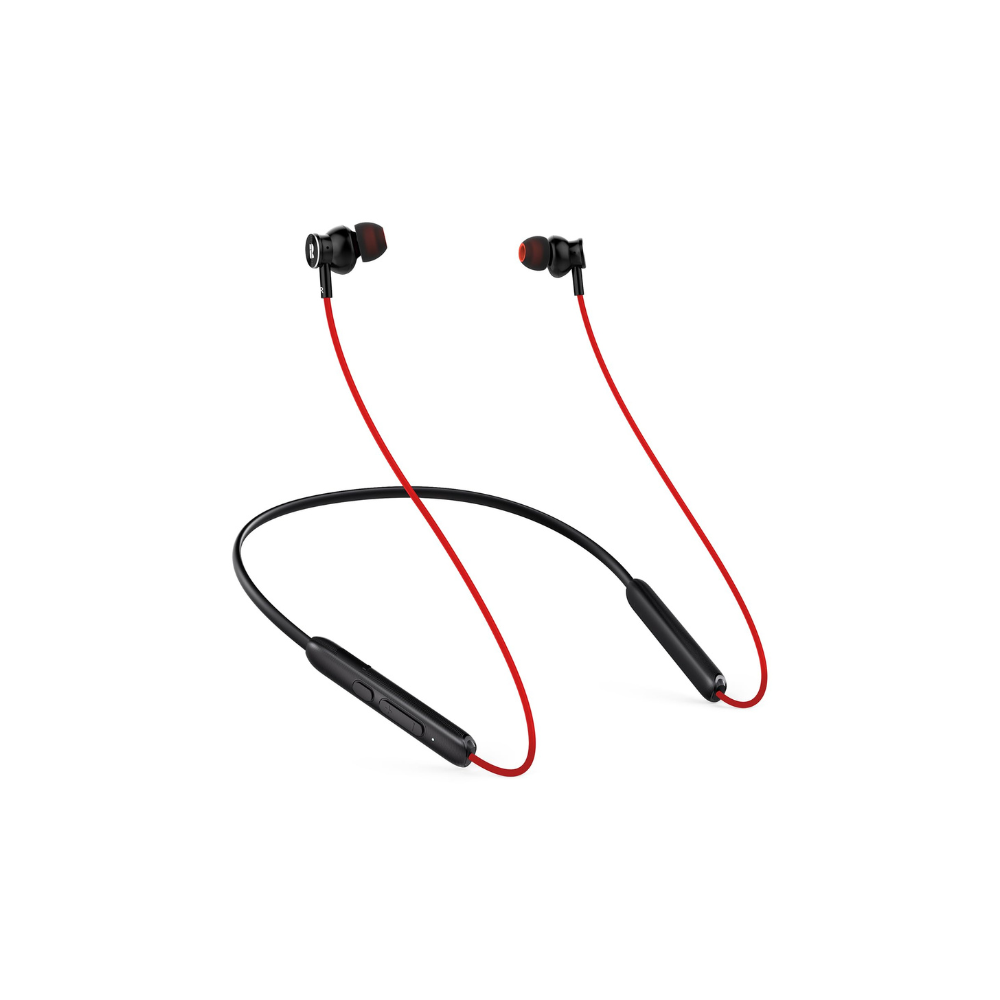
Our neckband Bluetooth headphones do feature magnetic ends, allowing the earbuds to connect magnetically for easy storage.
However, please note that this magnetic connection does not automatically pause the music or resume playback when the earbuds are separated. For uninterrupted listening, you will need to manually pause and play your music using your device or the headphone controls.


