


Skip to product information
1 of 7

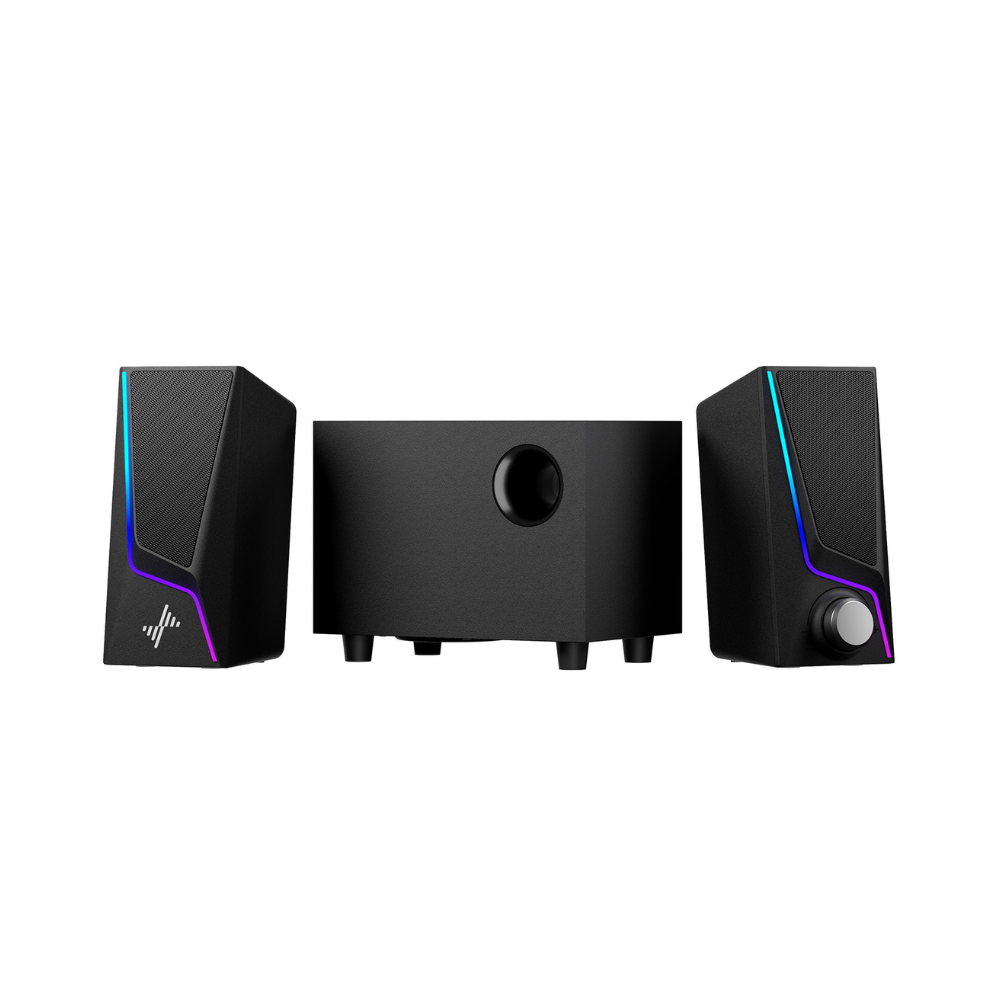
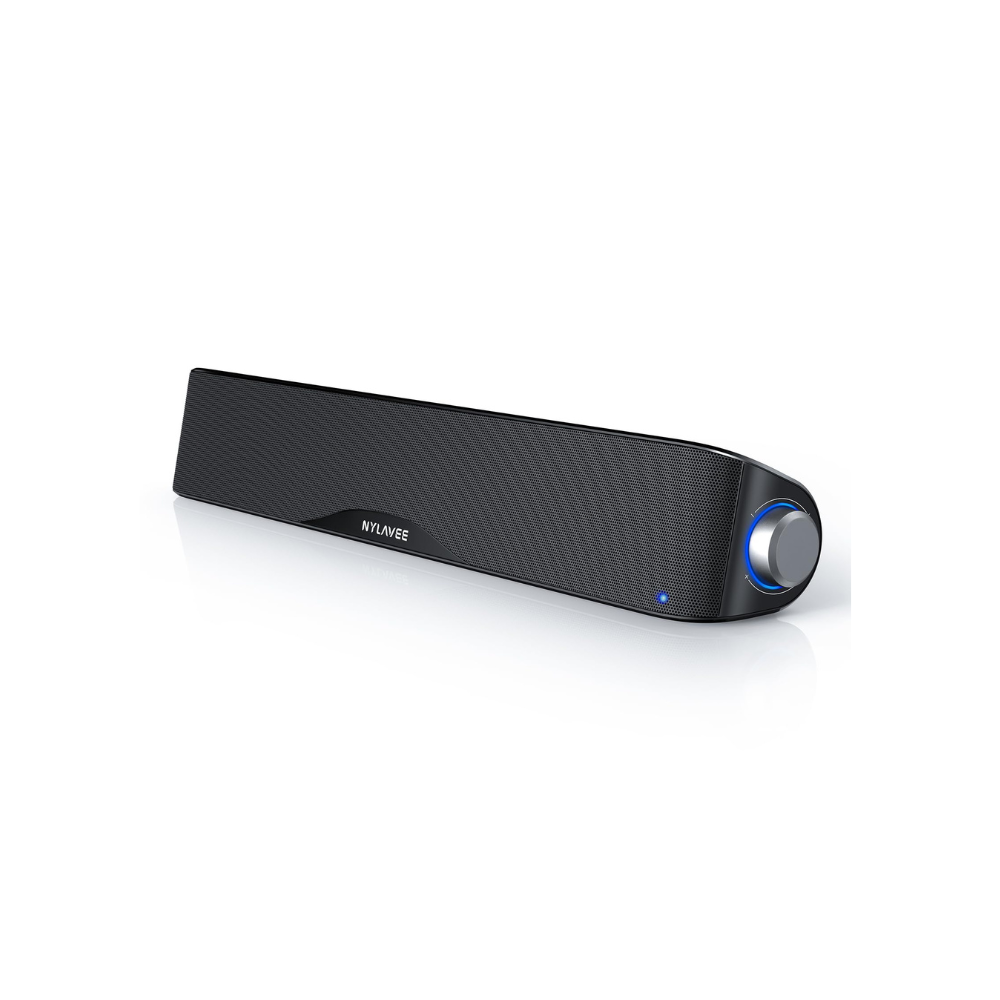
SK400PRO Computer Speakers - 2.1/Subwoofer/ Bass

Regular price $49.00
Sale price $49.00 Regular price
Sale Sold out
Free Shipping & 1 Year Warranty
Secure checkout with Payment methods
  • American Express
  • Apple Pay
  • Diners Club
  • Discover
  • Google Pay
  • JCB
  • Maestro
  • Mastercard
  • PayPal
  • Union Pay
  • Visa

About this item

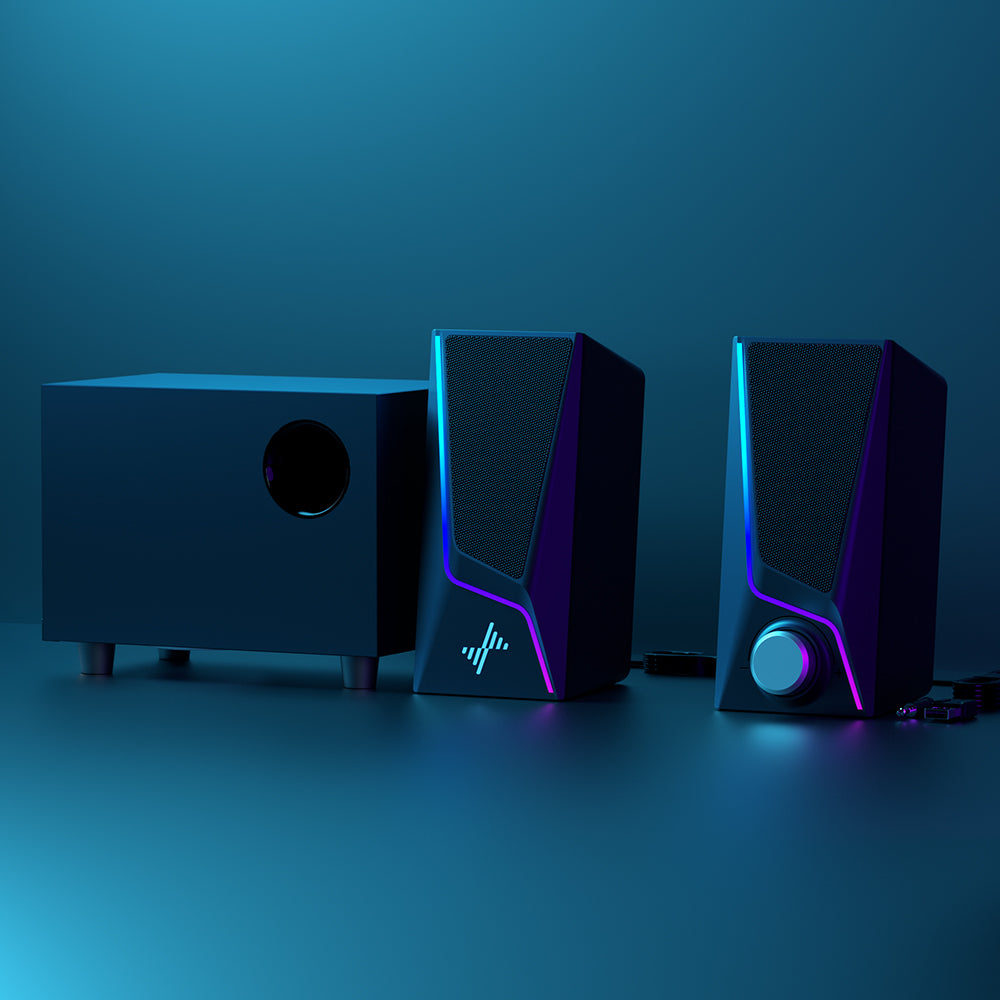
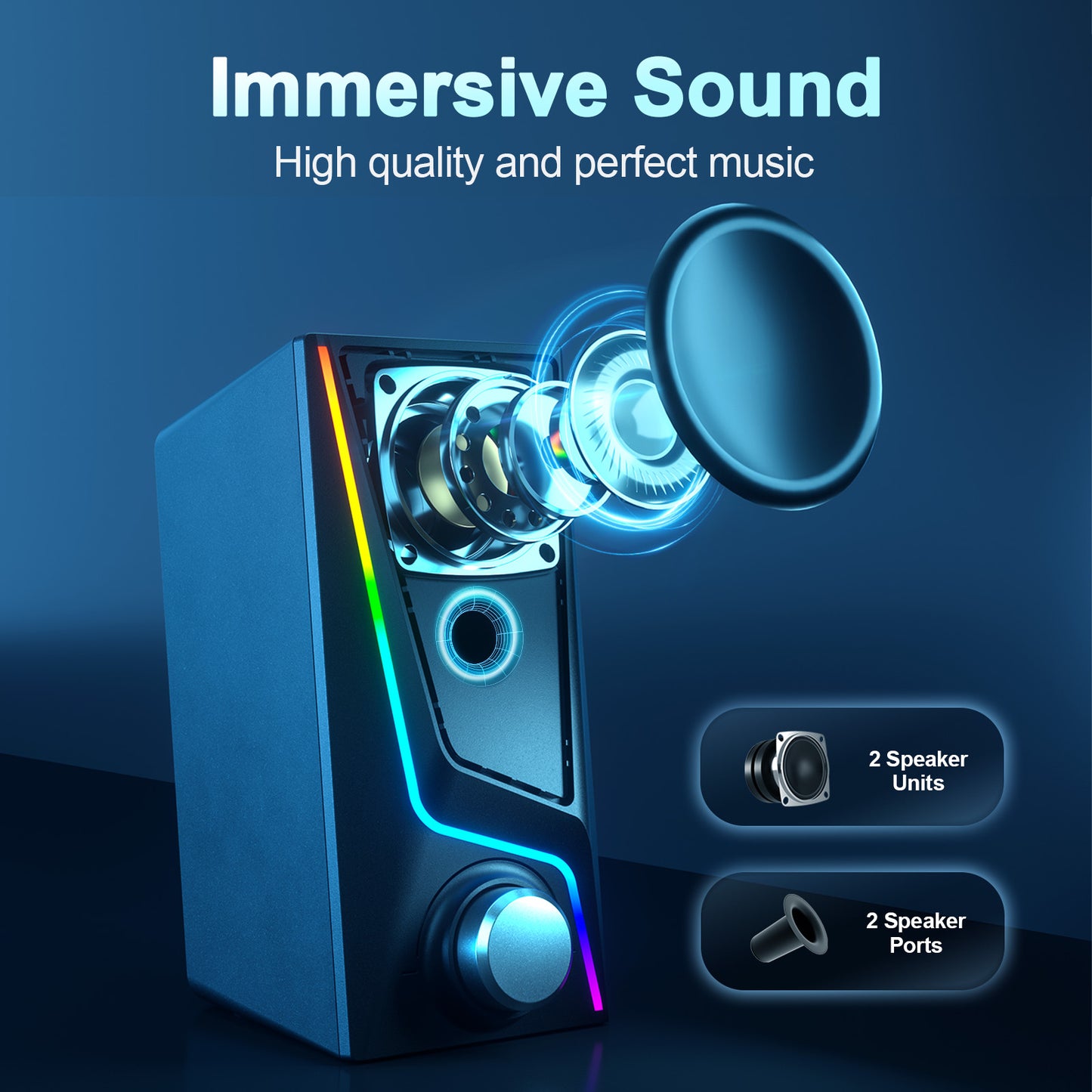
【Dynamic 2.1 Channel Audio】Nylavee computer speakers with a subwoofer offer 28W distortion-free Hi-Fi sound, enhancing music, movies, and gaming with two large speakers.

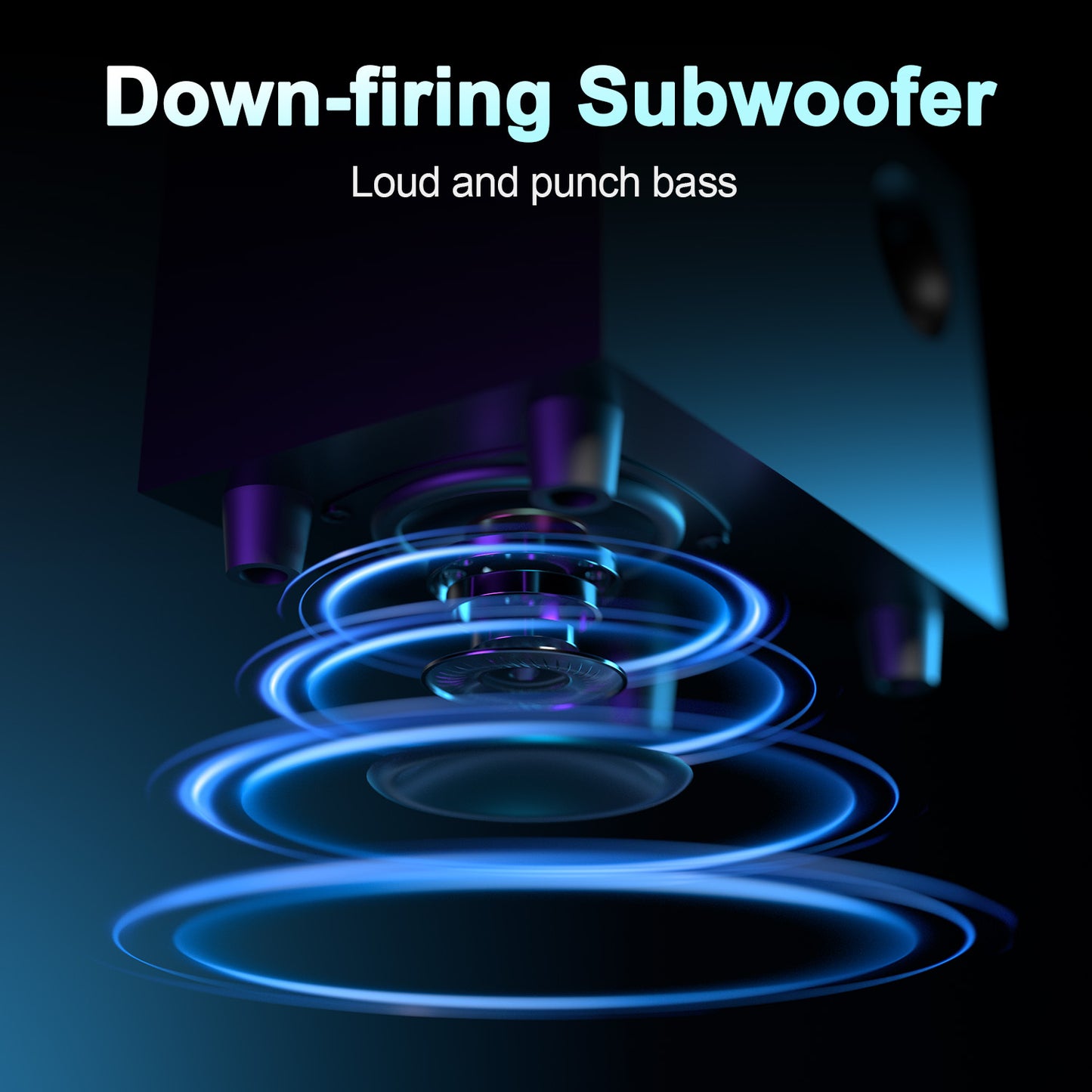
【Boosted Bass Performance】The 2.1 system provides deep bass with a 4-inch wired subwoofer and downward-facing design for enriched low-end frequencies.

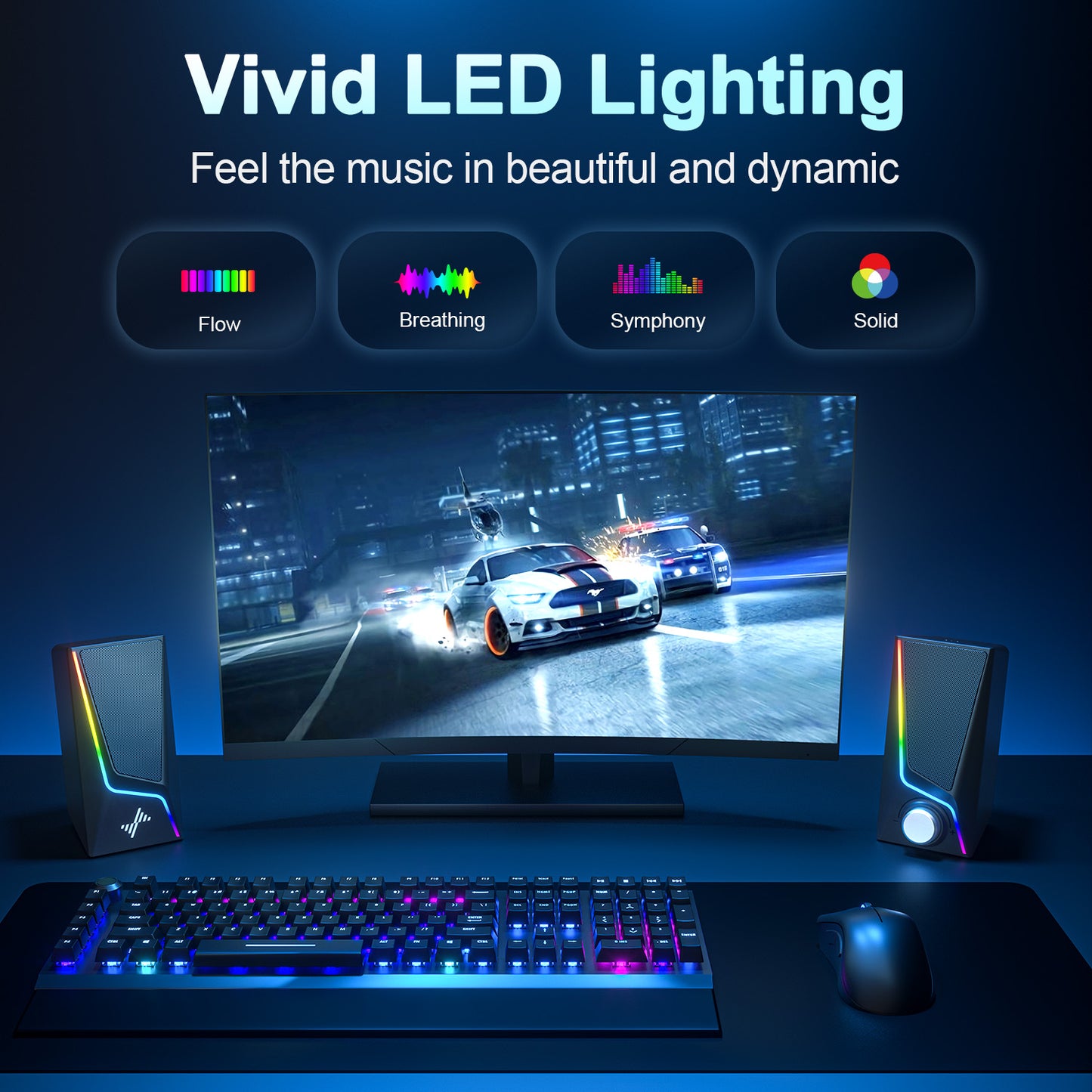
【Sleek Touch Control Illumination】Customize your audio with touch control lighting featuring symphony, flow, breathing modes, and 3 solid colors.

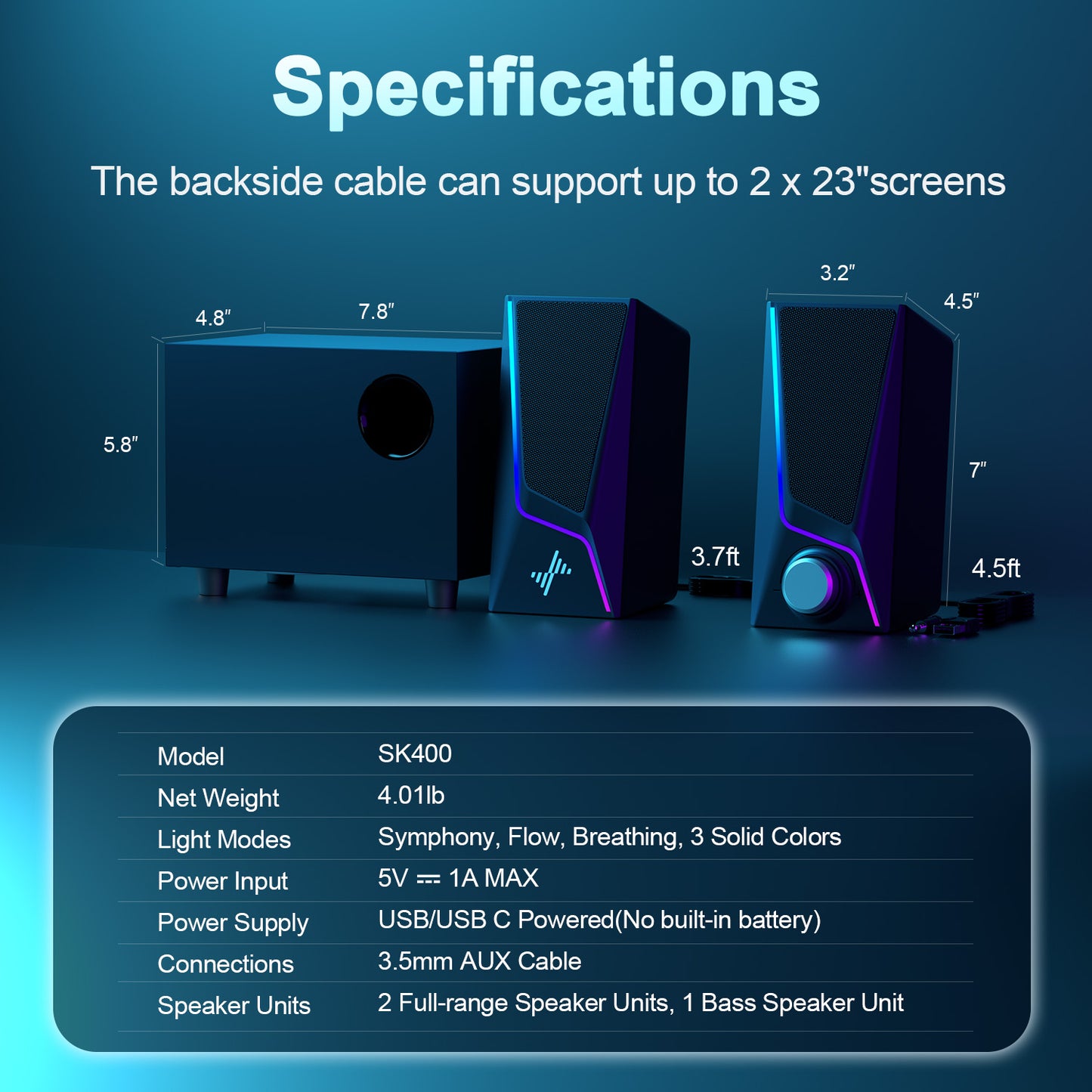
【Easy Controls and Compact Size】Convenient volume knob and compact design save space. Speaker dimensions: 7"W*3.23"H*4.93"D; Subwoofer: 7.8"W*5.75"H*4.76"D.

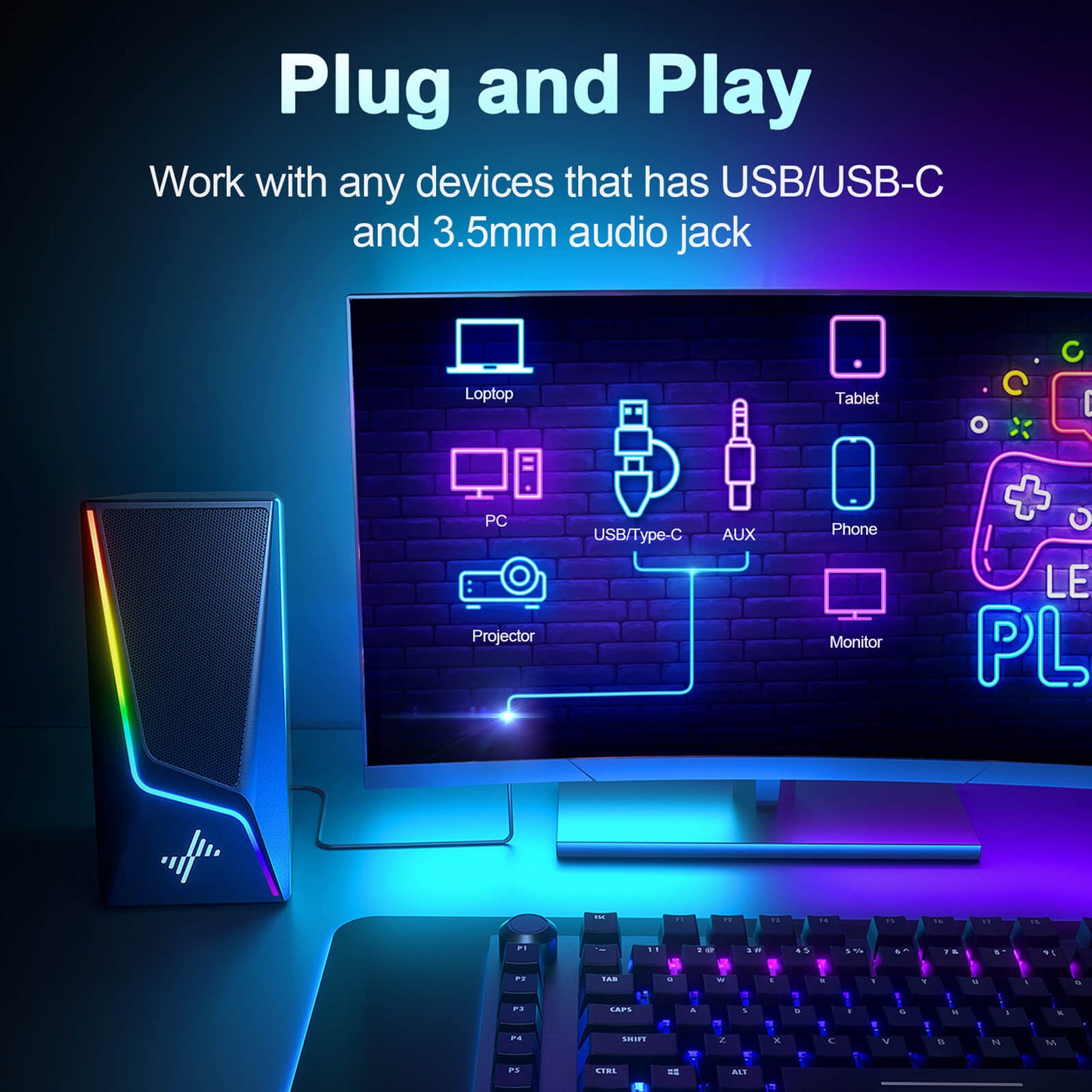
【User-friendly Plug and Play】Connect to PC, laptop, monitor, or tablet using USB/USB-C and 3.5mm cables (no Bluetooth). No driver needed for instant use.

Features & Specs

- Style: USB Powered with Subwoofer
- Audio Encoding: Stereo
- Audio Driver Type: Dynamic Driver
- Subwoofer Connectivity Technology: Wired
- Connectivity Protocol: Auxiliary, USB(No BT)
- Includes MP3 Player: No
- Control Method: Touch
- Speaker Size: 7 Inches
- Power Source: Corded Electric
- Signal-to-Noise Ratio: 73 dB
- Woofer Diameter: 3 Inches
- Audio Output Mode: Stereo

30-Day Return

30-Day Return & Shipped by Amazon.

1-Year Warranty

We support free replacement in one year.

View Product Details

FAQ-SK400Pro

Step 1: Check that the audio output setting on the device has been switched toexternal speakers and is not disabled. (lf you have no idea how to setup your device, please contact us with your device brand and model)

Step 2: Rotate the knob to adjust volume or restart the speaker.

Step 3: Replug the USB and 3.5mm audio cables.

Step 4: Change different devices (eg. another PC) to check for audio output compatibility of the device.

Step 1: Try to play different audio files to see if it's a quality issue of the file.

Step 2: Change different power adapters to check for current interference.

Step 3: Change different devices (eg. another PC) to check for audio output compatibility of the device.