


Skip to product information
1 of 8

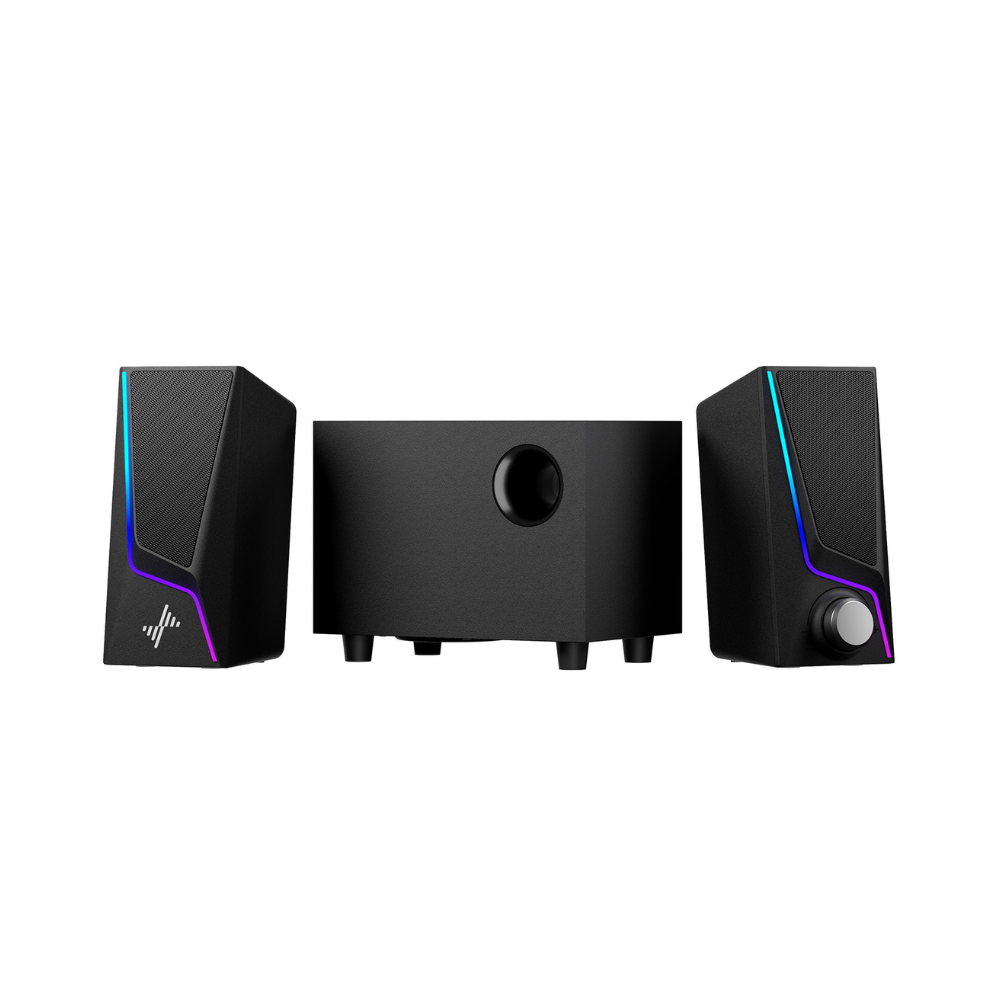
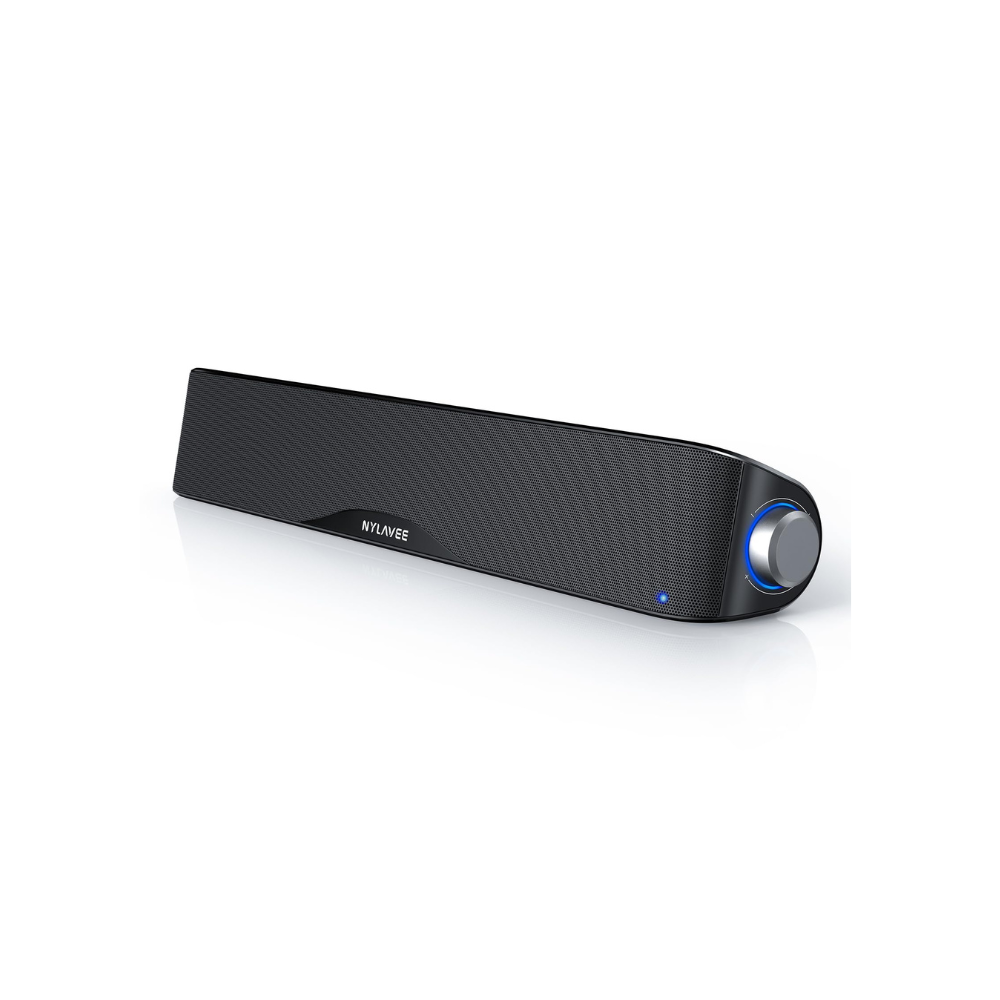
SK600 Computer Speakers - EQ/BT/Hi-Fi

Regular price $45.00
Sale price $45.00 Regular price
Sale Sold out
Free Shipping & 1 Year Warranty
Secure checkout with Payment methods
  • American Express
  • Apple Pay
  • Diners Club
  • Discover
  • Google Pay
  • JCB
  • Maestro
  • Mastercard
  • PayPal
  • Union Pay
  • Visa

About this item

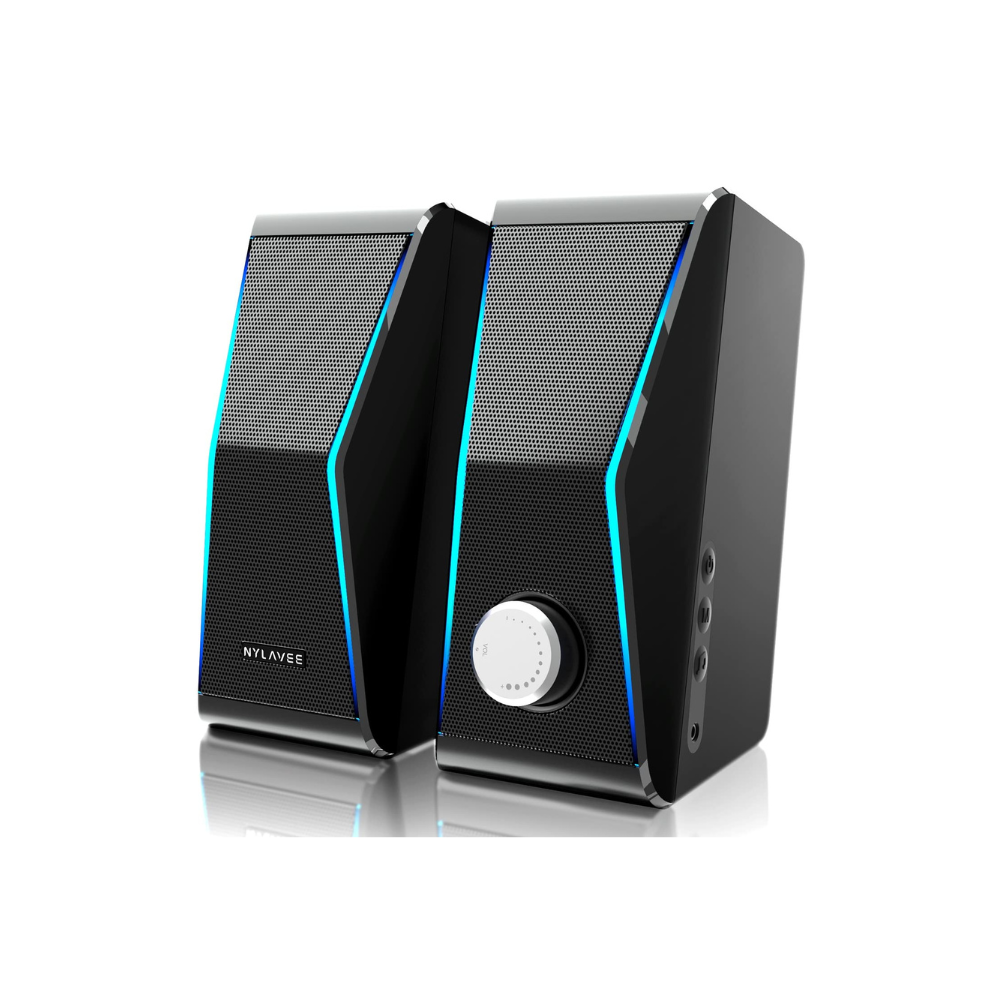
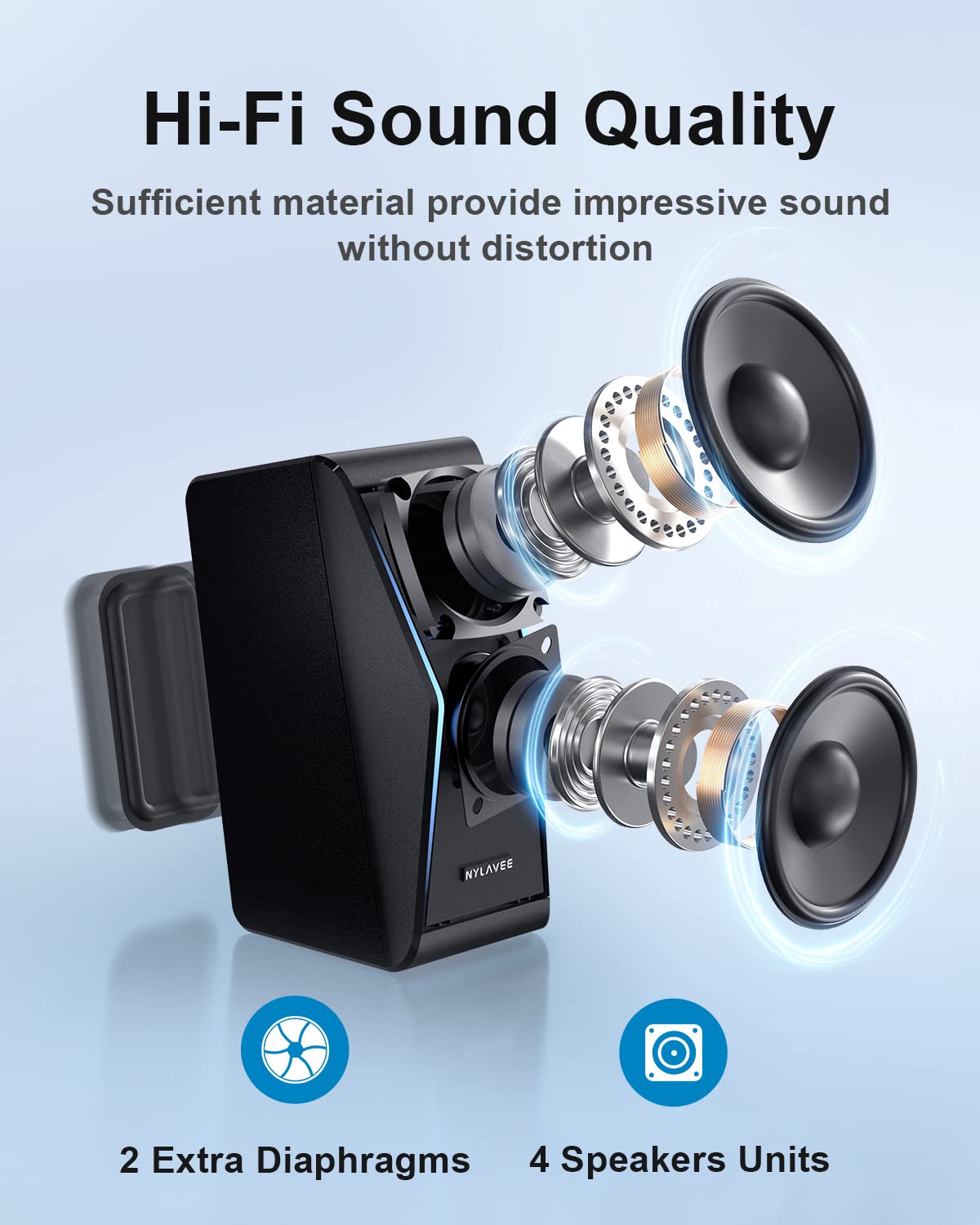
【Top-Notch Hi-Fi Sound Quality】4 dual-magnetic speaker units and 2 extra independent bass diaphragms deliver exceptional high-pitch sound and powerful bass performance.

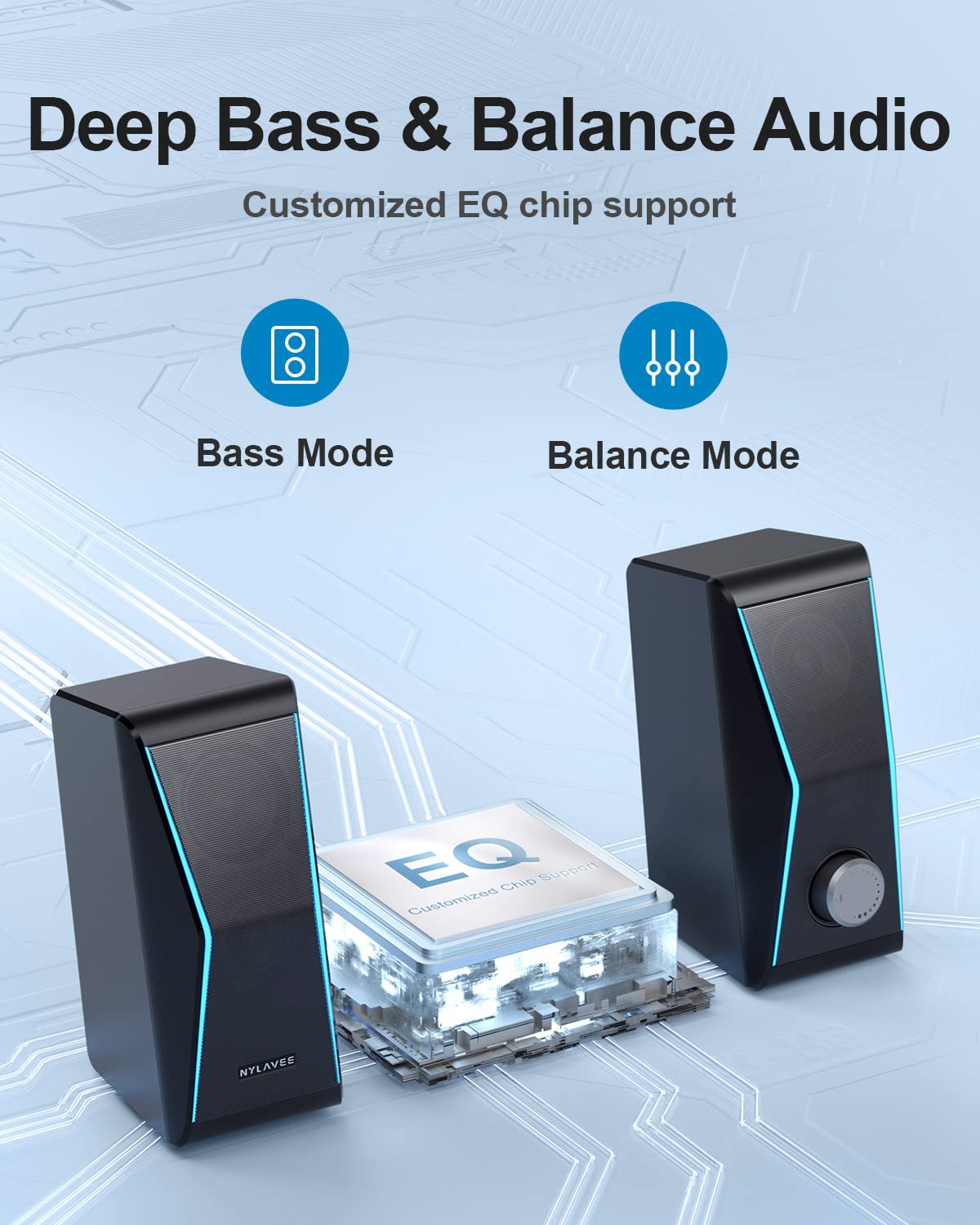
【Cutting-Edge EQ Chip Brings Diverse Sound】Advanced EQ chip offers 2 modes: balance for softer music and bass mode for gaming, movies, and bass-heavy music.

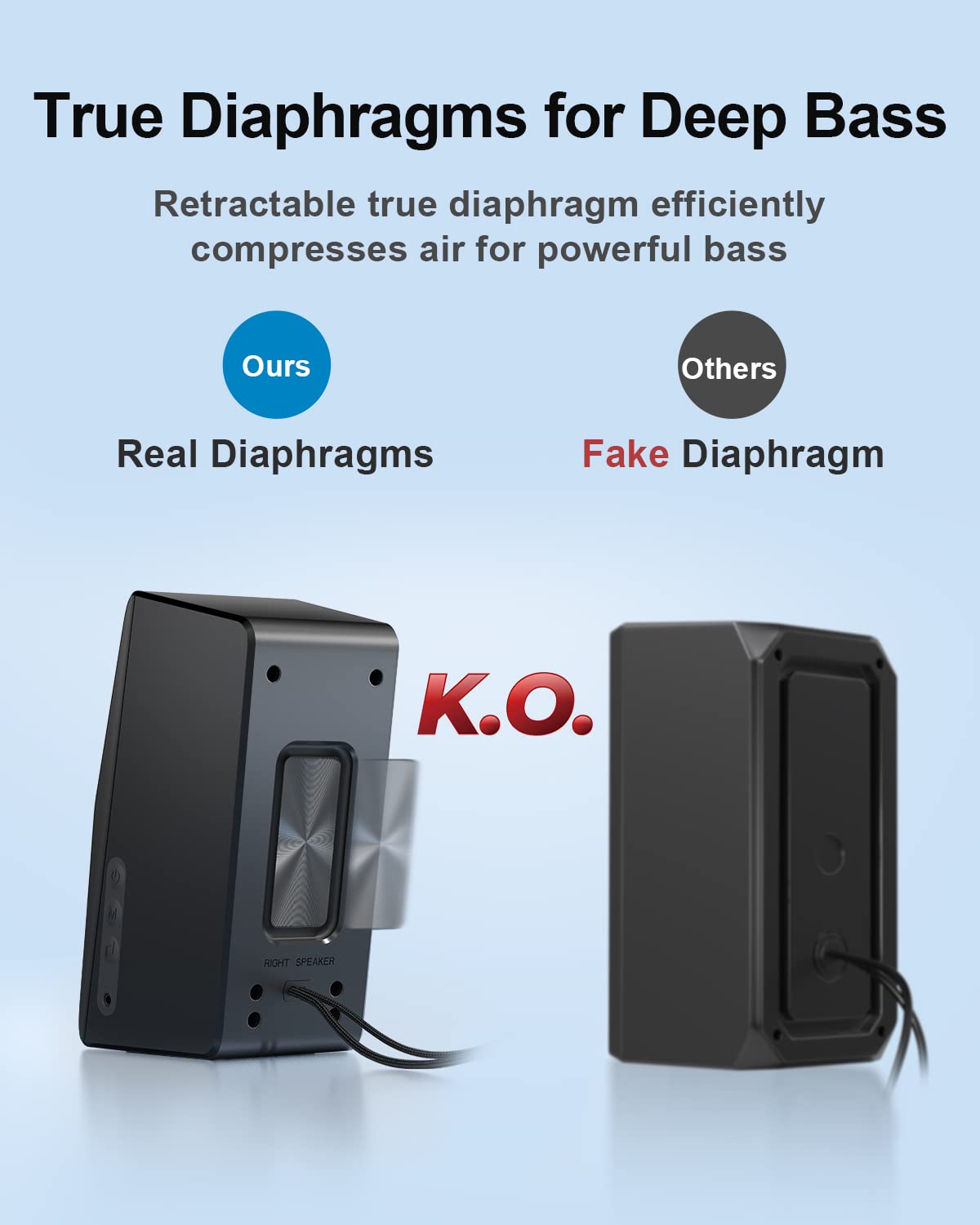
【Real Diaphragm Brings Deep Bass】Elastic diaphragms enhance bass depth and richness, combined with reinforced magnetic full-range speakers for pounding bass, clear trebles, and low distortion.

【Dynamic Lighting Brings Immersive Audio Experience】Colorful lights with multiple modes complement your gaming and listening experiences for incredible immersion.

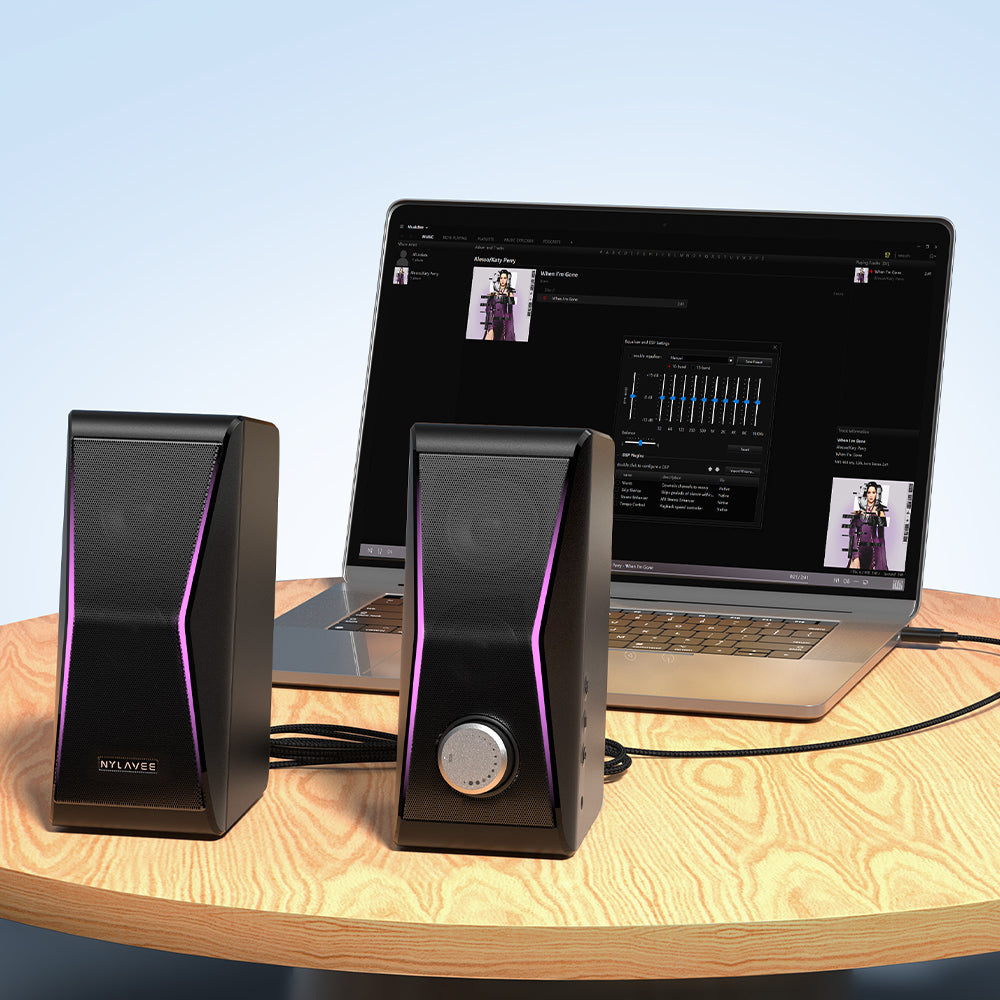
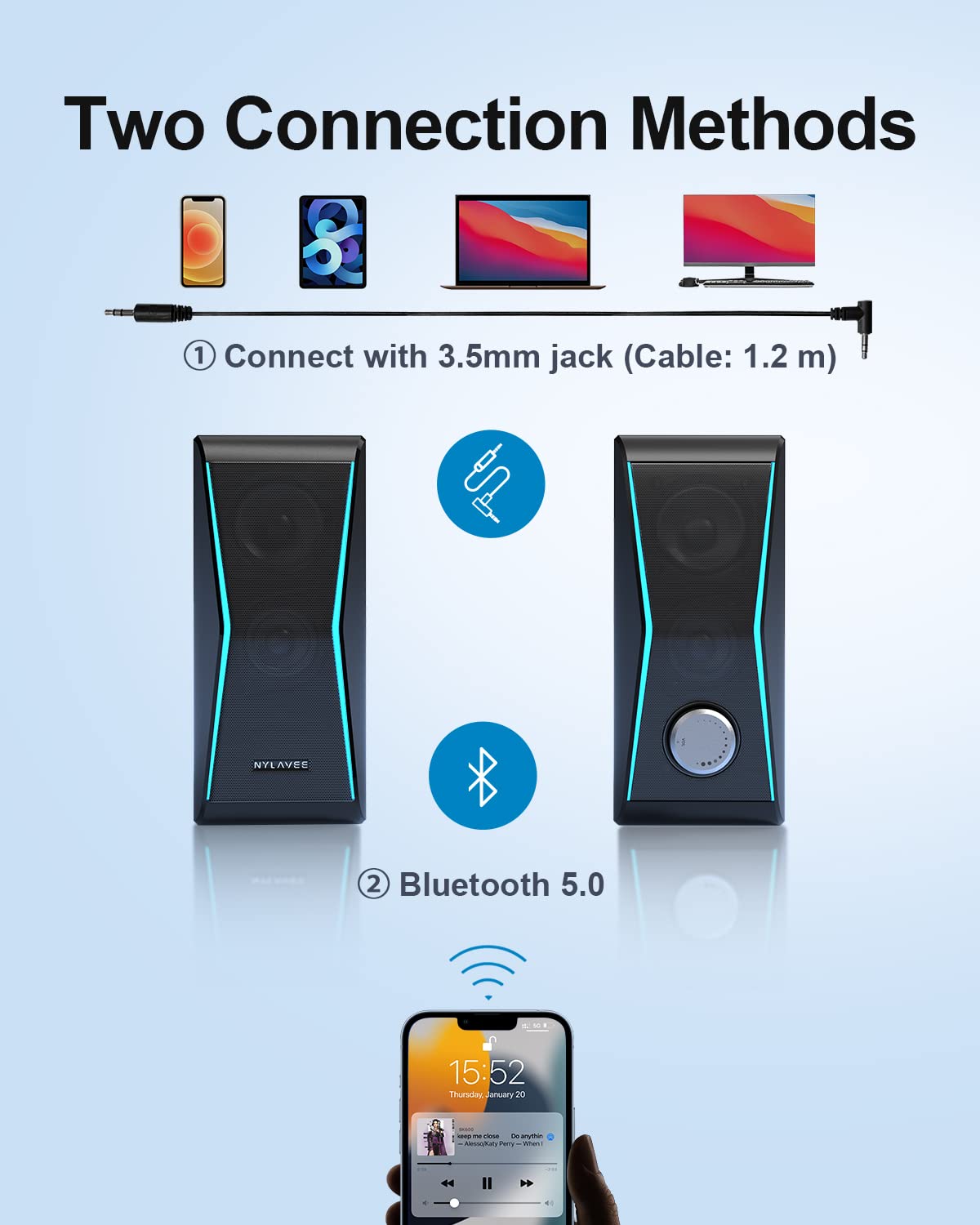
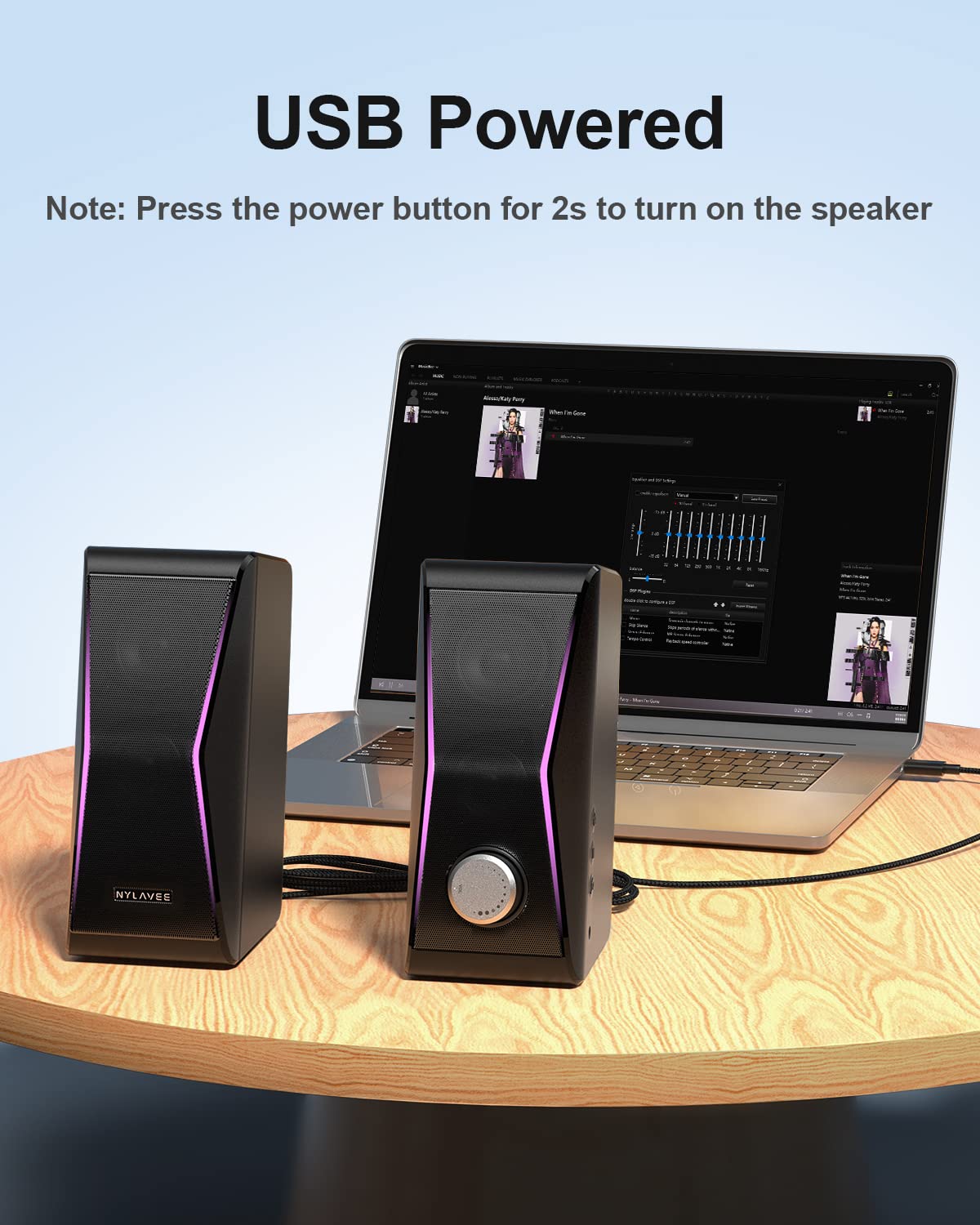
【Dual Connection & USB Powered】Connect via Bluetooth 5.0 or 3.5 mm AUX-in; USB powered for seamless plug-and-play installation.

Features & Specs

- Speaker Type: 3D
- Special Feature: Bluetooth
- Recommended Uses: For Gaming Consoles, Smartphone or Tablet, TV
- Compatible Devices: PC, Tablet, Smartphone
- Included Components: Main Unit
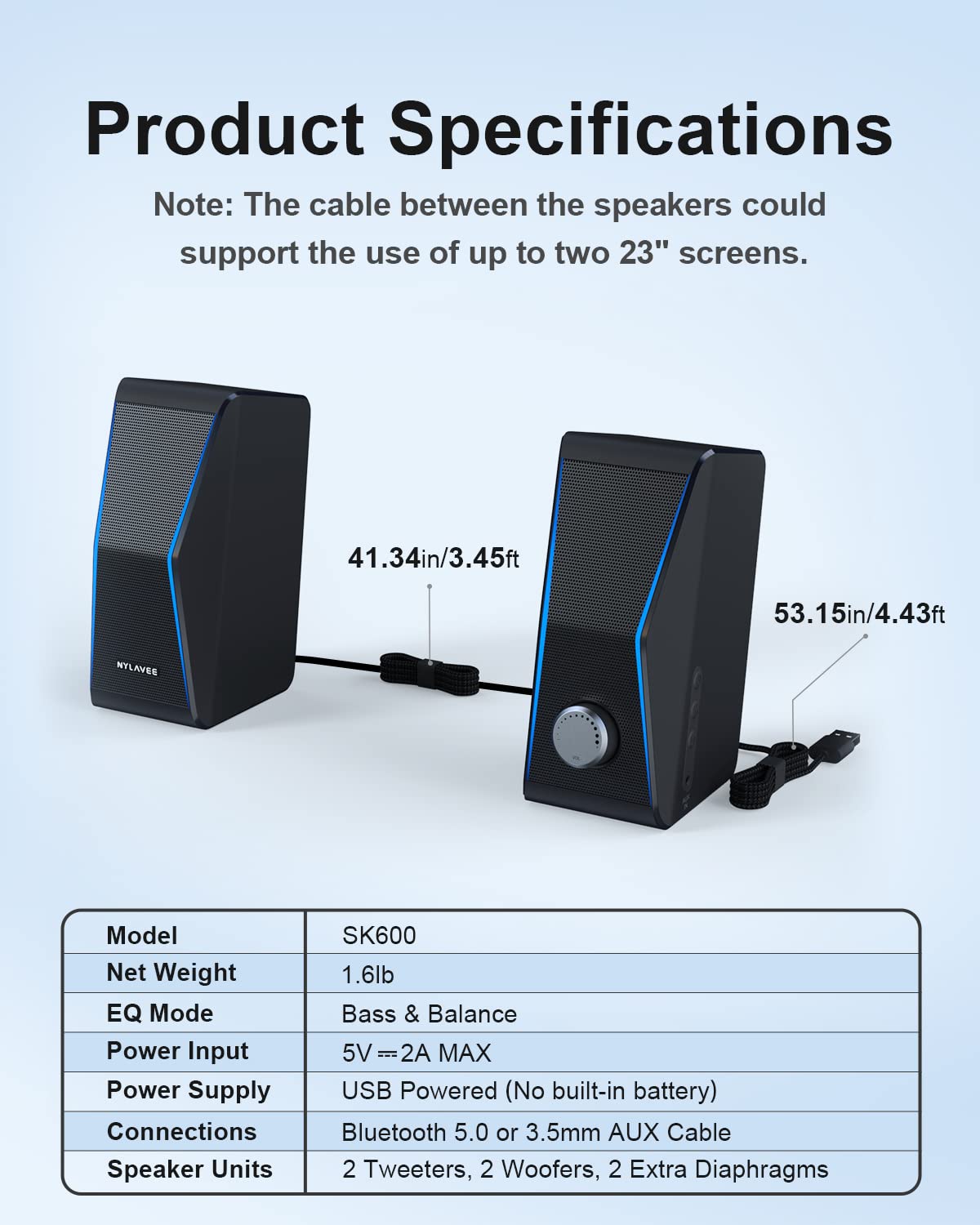
- Product Dimensions: 14D x 20W x 20H cm
- Is Waterproof: False
- Batteries Required: No

30-Day Return

30-Day Return & Shipped by Amazon.

1-Year Warranty

We support free replacement in one year.

View Product Details

FAQ-SK600

  1. Please press and hold the power button on the side for 3s to turn on them after plugging the USB cable.
  2. Check if the connection mode is selected correctly.
  3. If it is in wired mode, please set the Audio-out channel to "Headphones" or "Speakers" on the computer.
  4. If it is in Bluetooth mode, please unplug the 3.5mm audio cable on the computer.
  5. Turn up both the volume of the speakers and the computer.
  1. Turn up both the volume of the soundbar and the computer.
  2. Windows: Download a free equalizer software: www.fxsound.com. Then choose the “Volume Boost” or “Bass Boost” in the software.Mac OS: Download a equalizer software: https://www.nimblesnail.com. Then you can adjust the volume and bass as you like.
  1. Check if the Bluetooth mode is selected correctly.
  2. Reset the soundbar and forget the "SK600" Bluetooth pairing record on your computer and re-pair with it.
  1. Try to play different audio files to see if it's a quality issue of the file.
  2. Change different devices to check for audio output compatibility of the device.
  3. Plug the USB cable into the wall outlet with a plug adapter for another try.

Please press and hold the light button on the top of the right speaker for 2 second.