


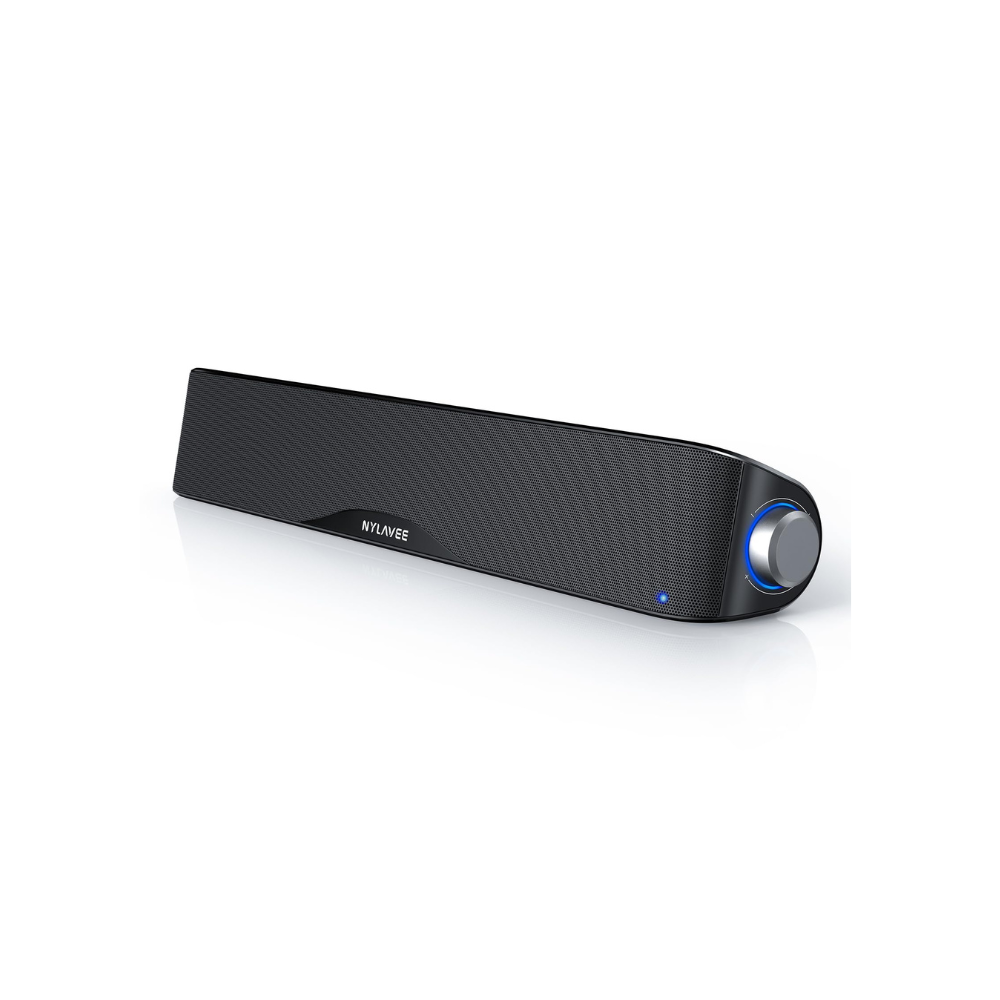


FAQ-SK100PRO
The speakers are powered on but there is no sound?
Please follow these steps in order:
1.Make sure the power adapter is firmly plugged in and the speaker is turned on.
2.Rotate the volume knob clockwise to increase volume.
3.Check your device’s system volume and ensure it is not muted.
4.Confirm the correct input mode is selected (Bluetooth or AUX).
5.If using AUX, ensure the 3.5mm cable is fully inserted on both ends.
6.If using Bluetooth, disconnect and reconnect the Bluetooth connection on your device.
The speaker suddenly shuts off?
1. Check the power connection and wall outlet.
2. Make sure the adapter is not loose.
3. Over-voltage or unstable power sources may trigger protection — try a different outlet.
The sound is very quiet even at high volume?
This usually happens when the source device volume is low.
1.Increase the volume on both the speaker and your device.
2.Disable any sound limiters or volume normalization settings on your computer or phone.
3.For PCs, check that the speaker is selected as the default output device.
The sound sometimes distort or cut out?
1.Very high volume levels may cause distortion — try lowering the volume.
2.Bluetooth audio may cut out due to distance or interference; keep your device closer.
3.Other wireless devices or audio settings (EQ/bass boost) may affect sound quality.
The bass feels weak or unbalanced?
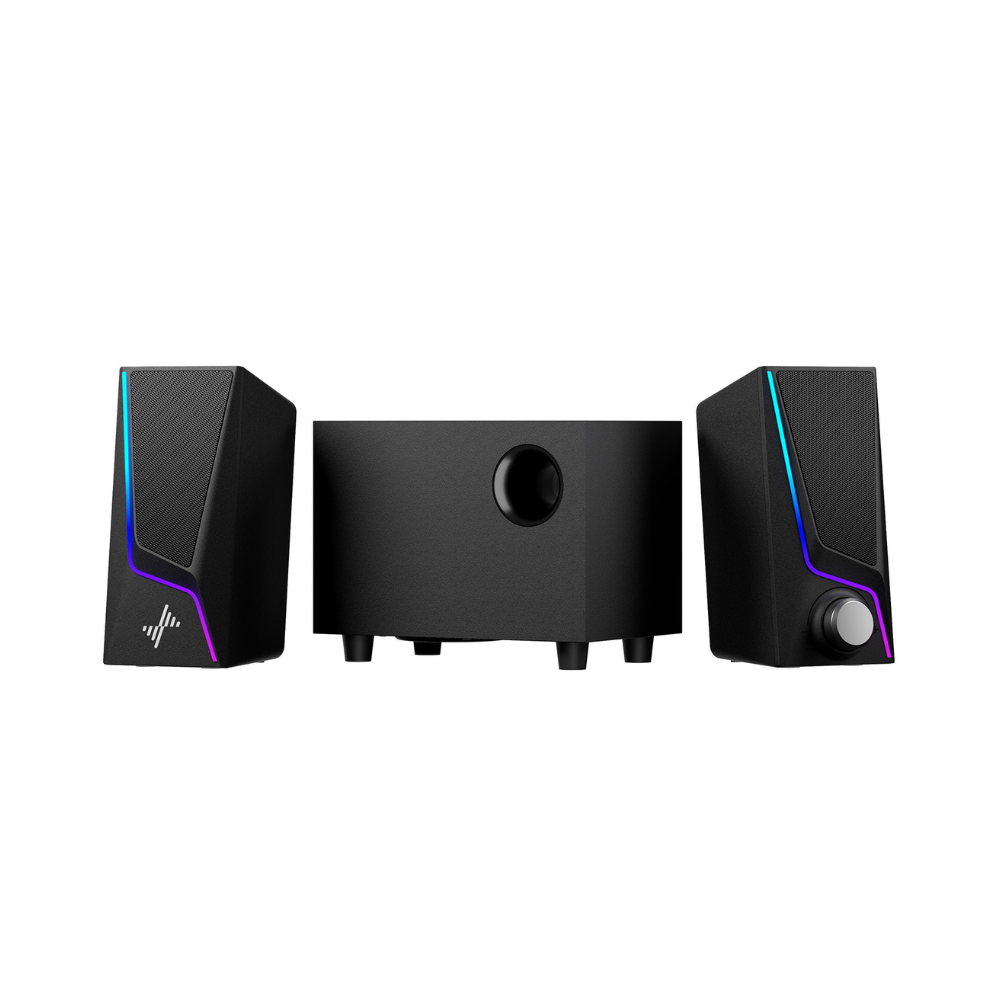
1. Place the subwoofer on the floor or near a wall for better bass response.
2. Increase volume gradually rather than maxing it out instantly.
3. Check audio enhancement or EQ settings on your computer.
I hear static or noise in AUX mode?
1. Ensure the audio cable is not damaged or loosely connected.
2. Avoid placing the audio cable near power adapters or high-interference devices.
3. Lower the volume on the source device slightly if distortion occurs.
The Bluetooth keeps disconnecting?
1.Keep your device closer to the speaker.
2.Reduce obstacles and wireless interference.
3.Turn off unused Bluetooth devices nearby.
The speaker does not appear in my Bluetooth device list?
1. Make sure the speaker is in Bluetooth pairing mode (indicator light flashing).
2. Turn Bluetooth off and back on on your device.
3. Move your device closer to the speaker (within 3–6 feet).
4. Restart both the speaker and your device, then try again.
The speaker was paired before but now won’t reconnect?
1. Remove the speaker from your device’s Bluetooth list (Forget Device).
2. Reset the speaker and pair again as a new device.
Can I connect multiple devices at the same time?
The speaker supports one active connection at a time. Please disconnect the current device before connecting another.
What should I do if the speaker is defective or damaged?
1. Please contact Amazon customer service for a replacement or refund.
2. You may also contact the seller directly through Amazon messaging for faster assistance.
The problem is not listed here — what should I do?
Please reach out via Amazon with a brief description of the issue and your setup (device type + connection mode). Our support team will help you as soon as possible.