


Skip to product information
1 of 6

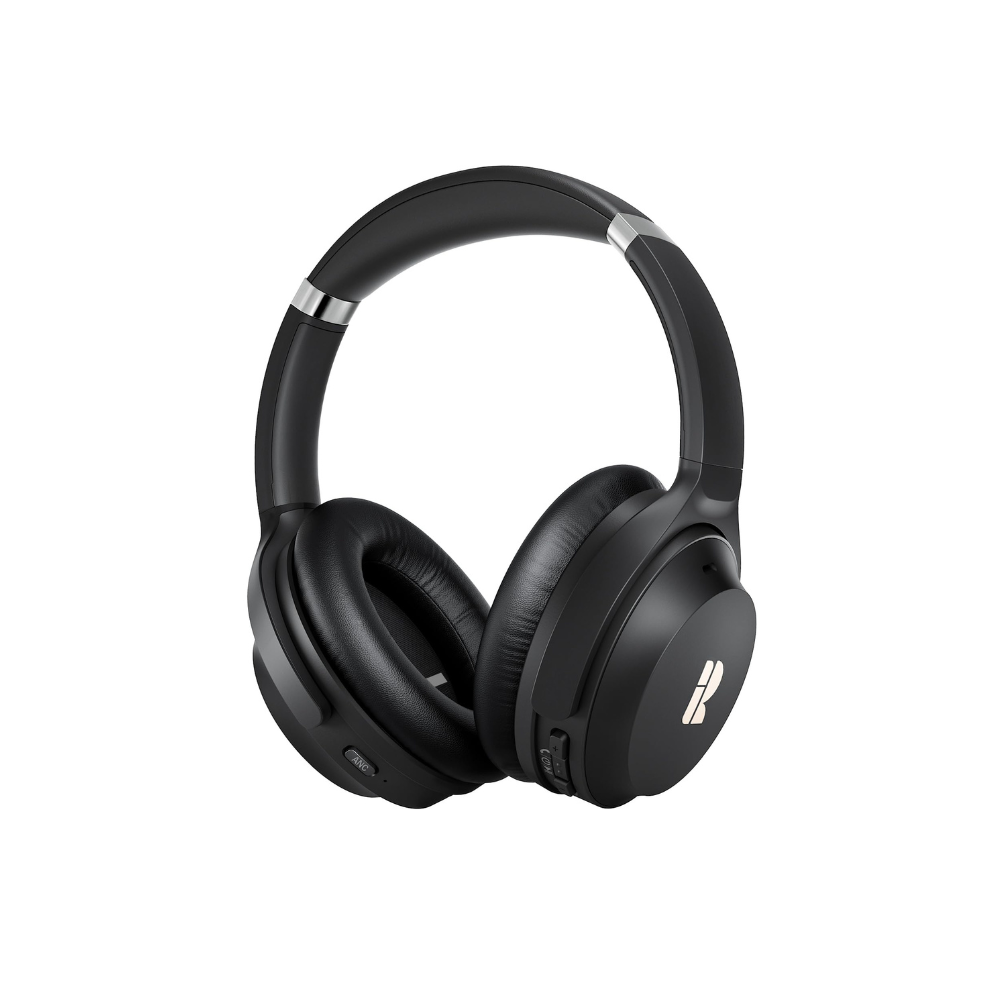
BH200 Bluetooth Headphones - 50Hrs/ANC/Crystal Clear

Regular price $35.99
Sale price $35.99 Regular price $89.99
Sale Sold out
Free Shipping & 1 Year Warranty
Secure checkout with Payment methods
  • American Express
  • Apple Pay
  • Diners Club
  • Discover
  • Google Pay
  • JCB
  • Maestro
  • Mastercard
  • PayPal
  • Union Pay
  • Visa

About this item

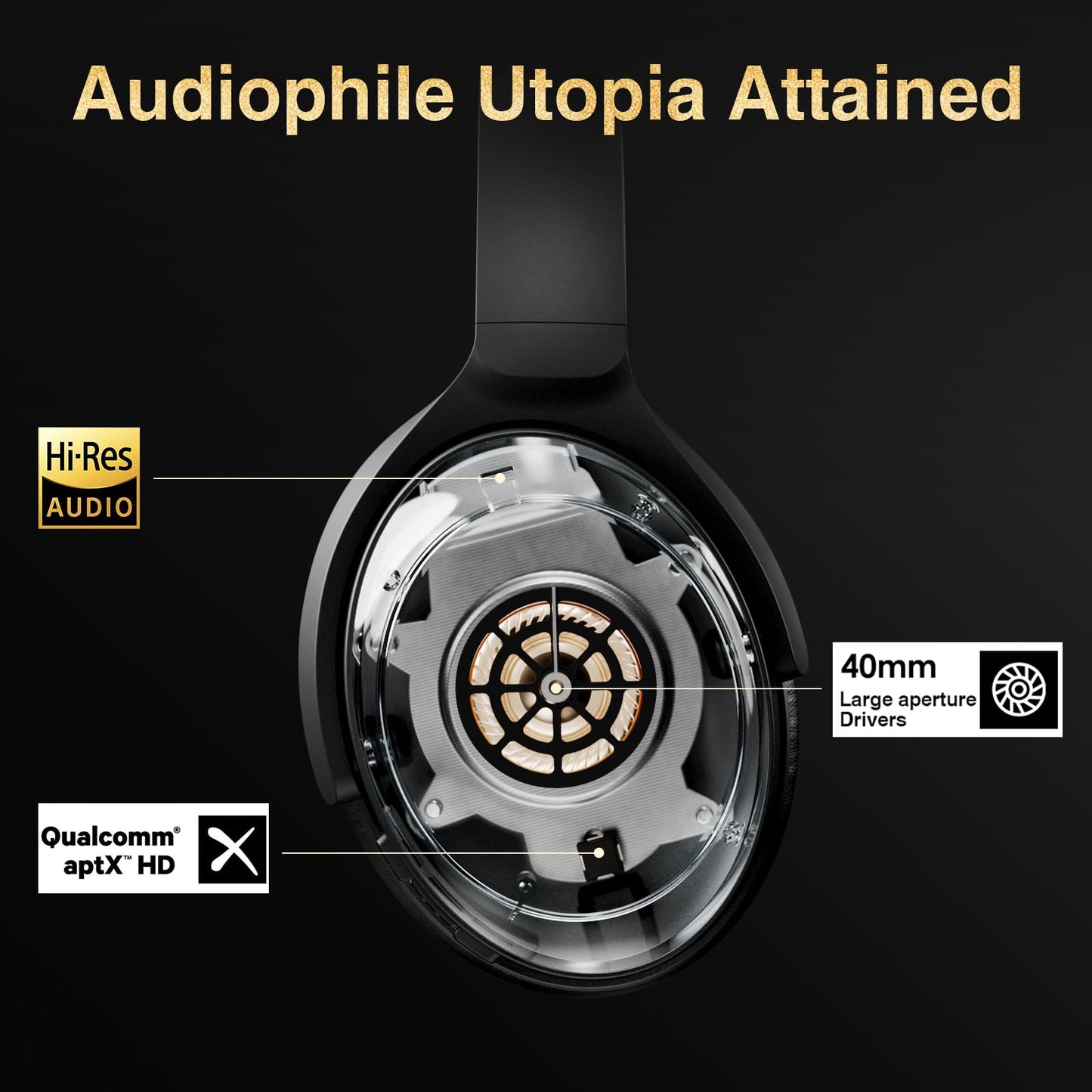
【Hi-Res Audio】Hi-Res certification means you can enjoy pure, high-resolution audio with all its excitement.

【Qualcomm Chip】The Qualcomm chip offers stable Bluetooth, high-fidelity audio, and low power use.

【Noise Canceling】ANC mics and digital noise cancellation filter out most low-frequency ambient sound for better audio quality and focused listening.

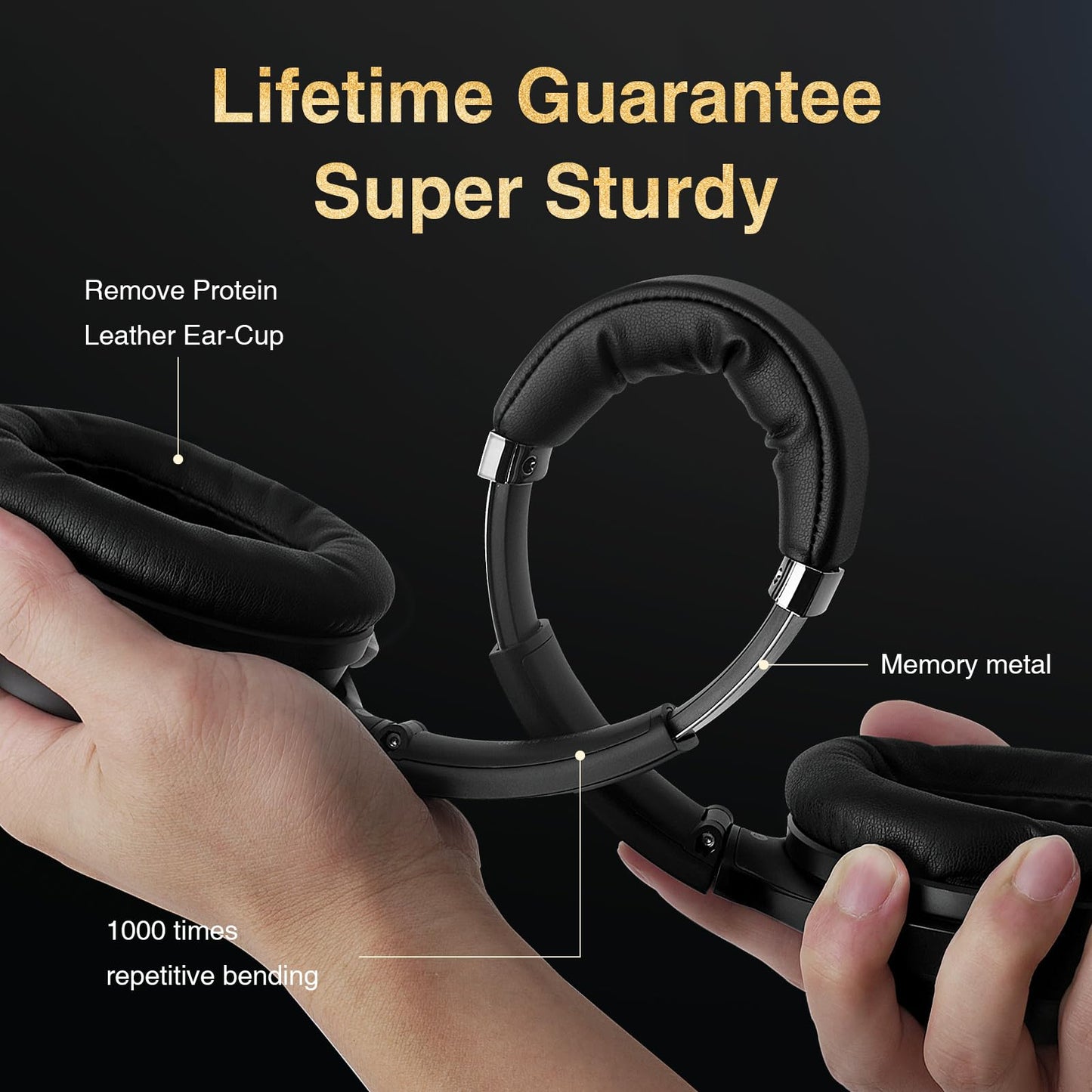
【Ultra-comfortable】Lightweight build, soft leather padded earcups, and adjustable headband make these headphones comfortable to wear all day, even with glasses.

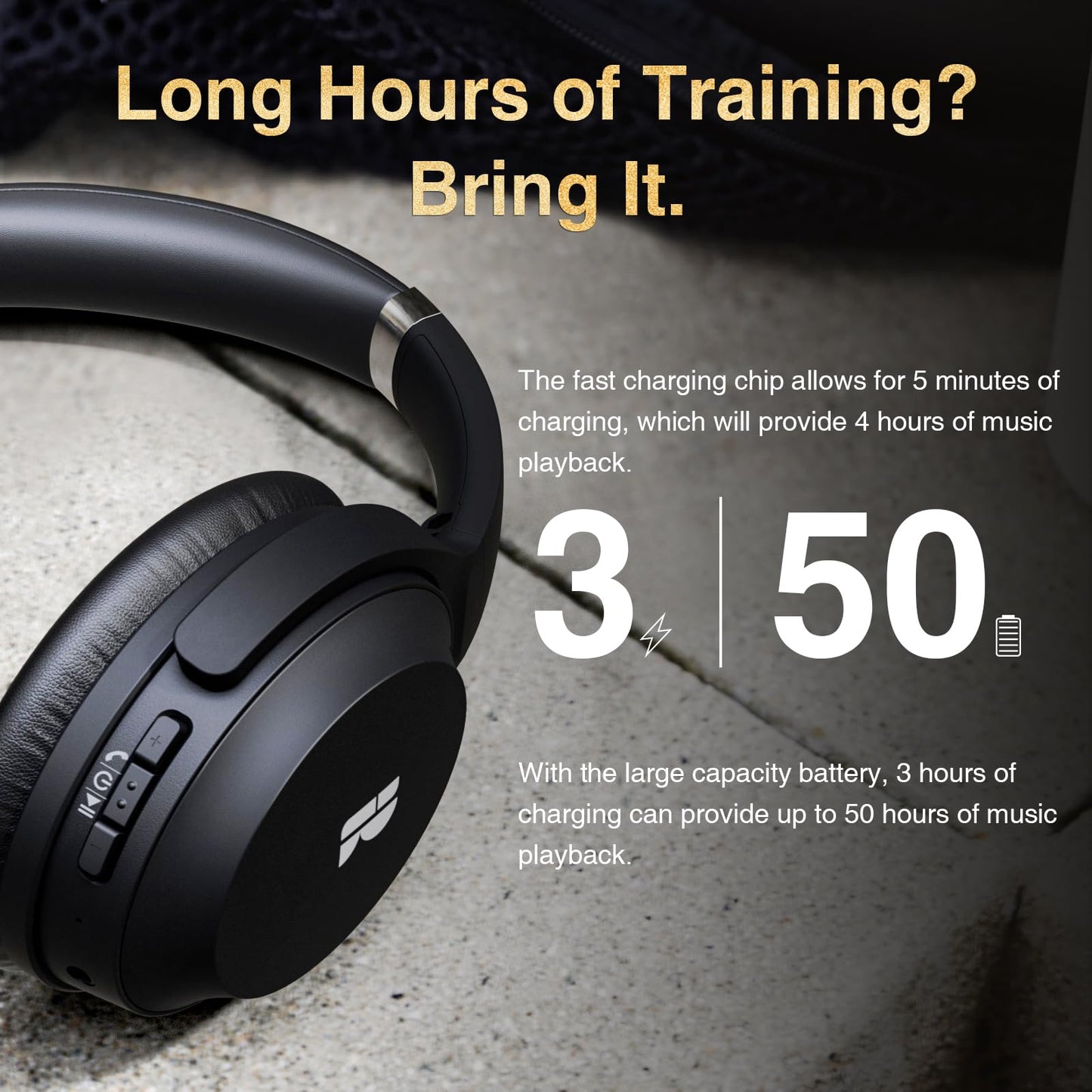
【Extended Playtime】Get 50 hours of battery life, with 3 hours from a 10-minute quick charge. Use the 3.5 mm cable for even longer wired listening.

Features & Specs

- Control Type: Button Control, Noise Control, Call Control, Volume Control
- Cable Feature: 3.5mm Jack Cable & USB A to USB C Charging Cable
- Item Weight: 8.6 Ounces
- Water Resistance Level: Not Water Resistant
- Frequency Range: 2 Hz - 20,000 Hz
- Customer Package Type: Standard Packaging
- Style: Bluetooth Headphones
- Control Method: Touch
- Number of Items: 1
- Controller Type: Button
- Battery Life: 50 Hours
- Audio Driver Type: Dynamic Driver
- Charging Time: 3 Hours

30-Day Return

30-Day Return & Shipped by Amazon.

1-Year Warranty

We support free replacement in one year.

View Product Details

FAQ-BH200

Step 1: Turn on the headphones.

Step 2: Hold down the MFB and Volume + buttons together for 5 seconds until the blue light flashes for 2 seconds.

Step 3: Reconnect the headphones to your device.

  • Plug in the headphones with the USB cable for power, disconnect the cable, and the headphones will function for on/off control.

If your TV has Bluetooth, you can connect Bluetooth headphones using these steps:

1.Put your headphones in pairing mode.

2.Go to your TV's Settings menu and select Bluetooth.

3.Select Add new device. Your TV should scan for nearby Bluetooth devices.

4.Select your headphones to pair.

  • Sorry. Only certain gaming headsets will fit Playstation, xBOX and Switch.

Sure. We take responsibility for any product quality issues under warranty. You can contact us for free replacement.