




Skip to product information
1 of 7

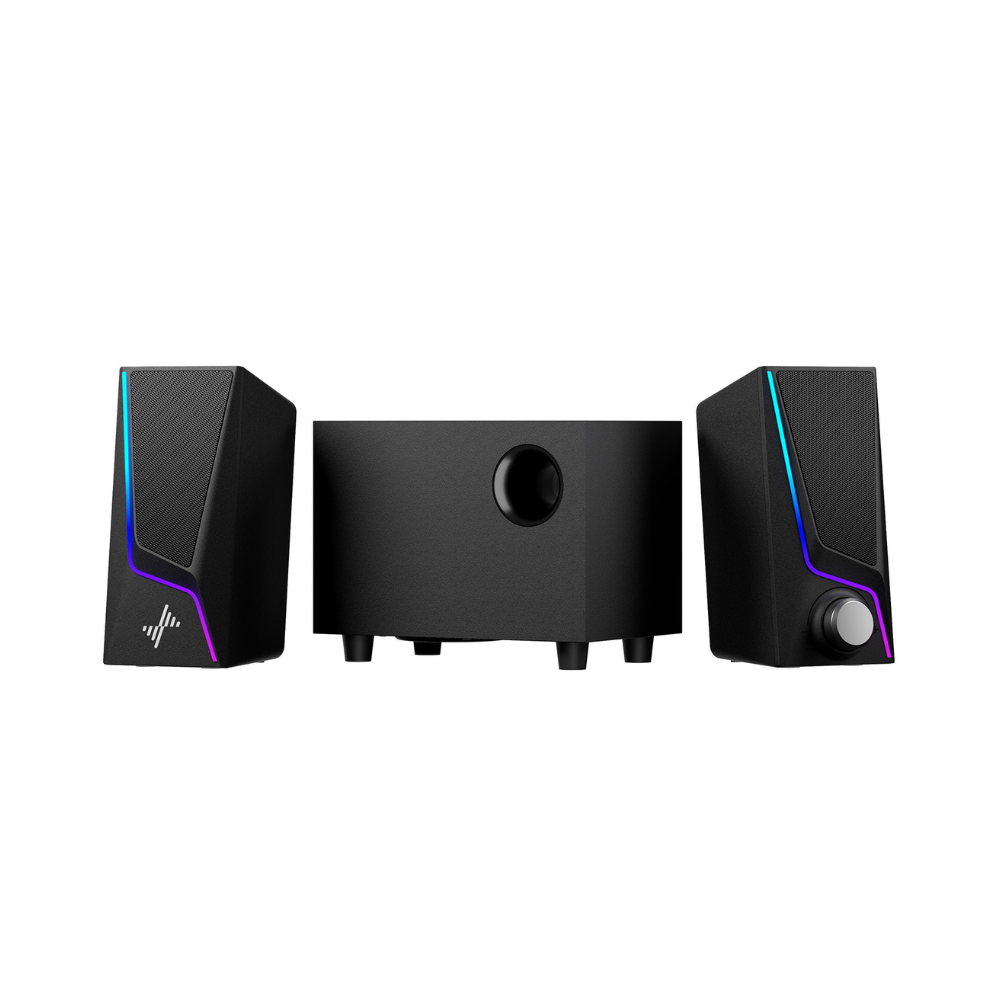
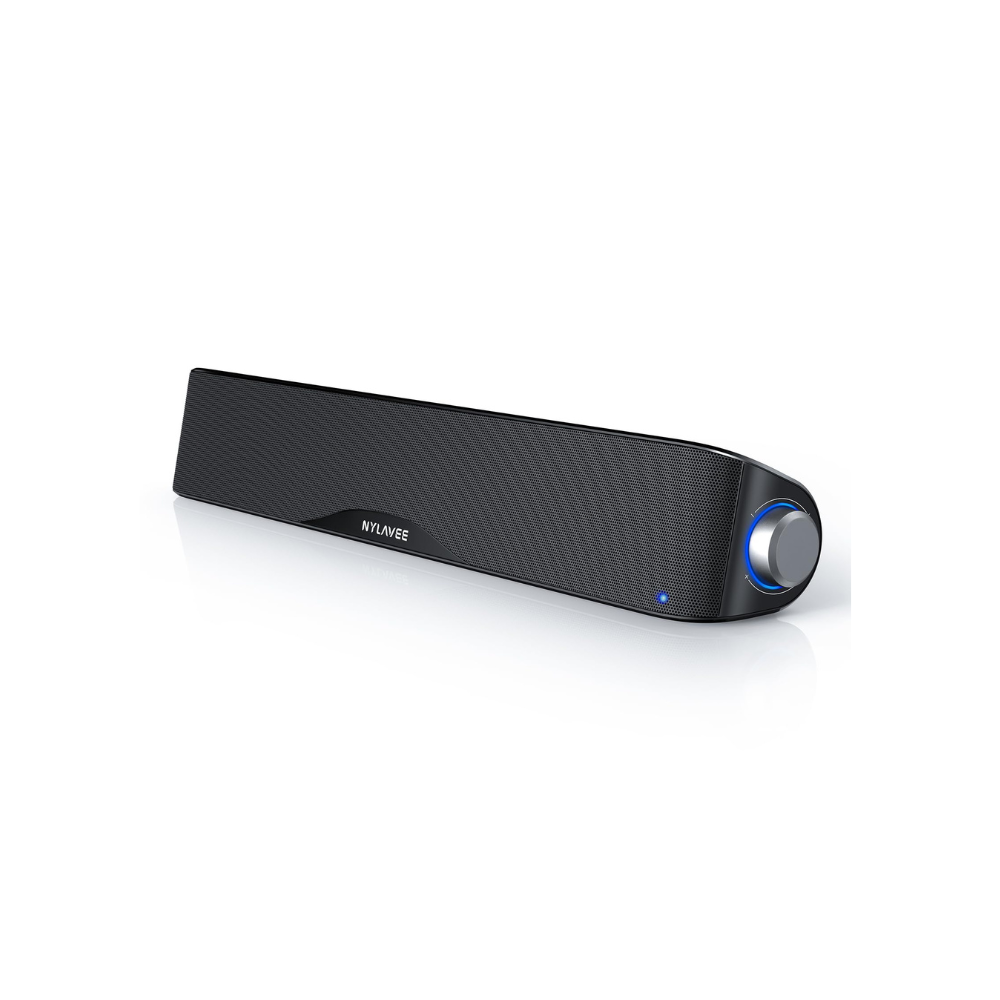
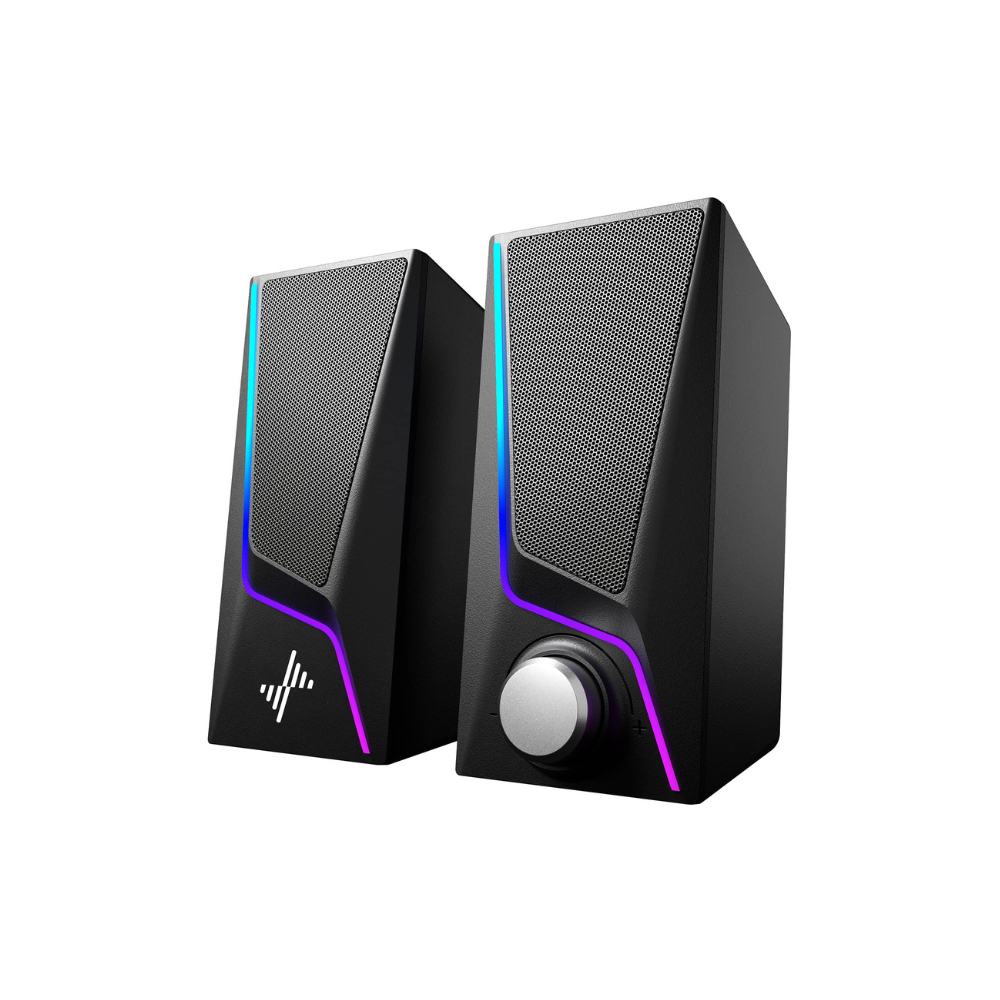
SK400 Computer Speakers - Hi-Fi/Bass/Plug and Play

Regular price $39.00
Sale price $39.00 Regular price
Sale Sold out
Free Shipping & 1 Year Warranty
Secure checkout with Payment methods
  • American Express
  • Apple Pay
  • Diners Club
  • Discover
  • Google Pay
  • JCB
  • Maestro
  • Mastercard
  • PayPal
  • Union Pay
  • Visa

About this item

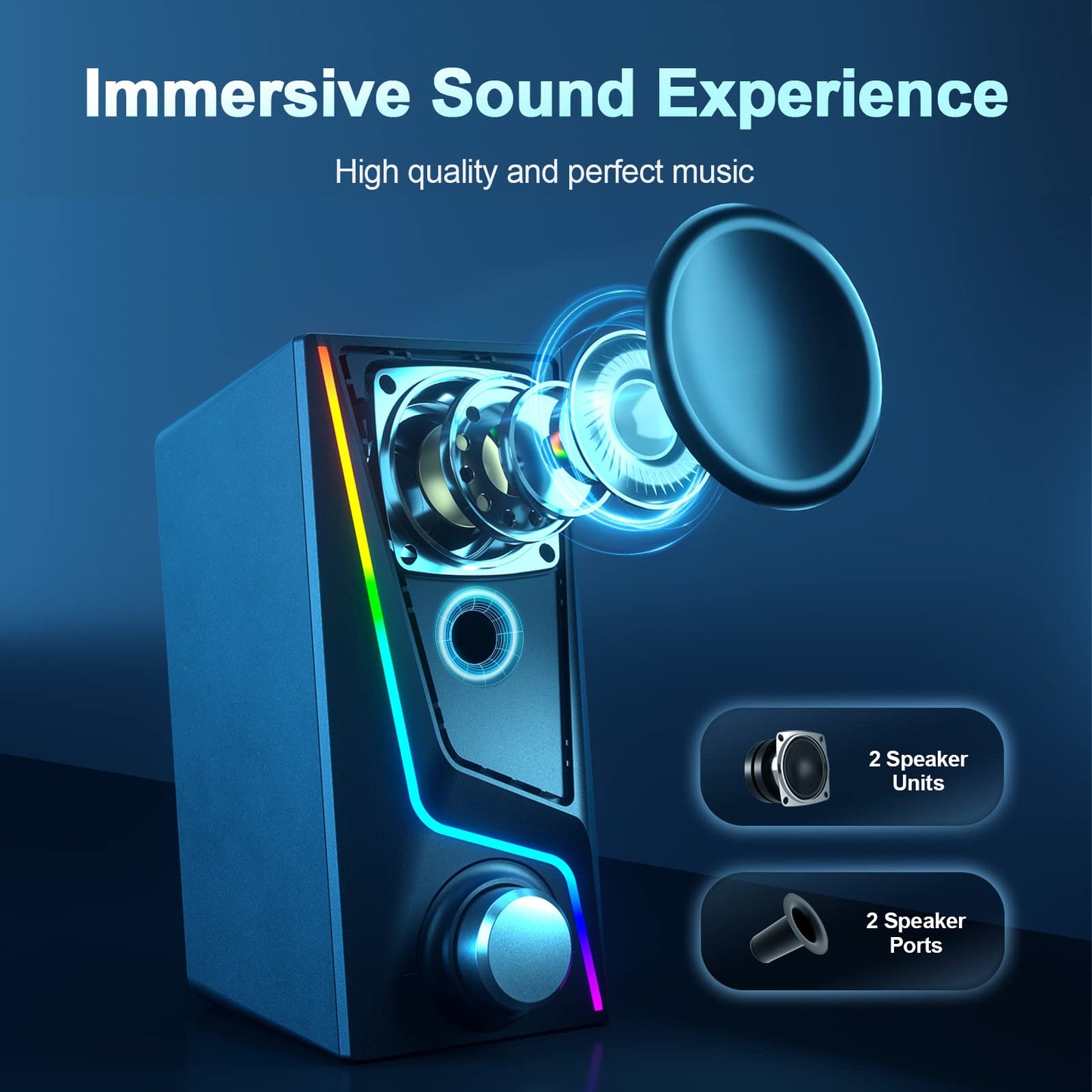
  • 【Hi-Fi Stereo Sound Quality】Enjoy crisp, distortion-free Hi-Fi sound with 2 full-range dual-magnet speaker units of Nylavee computer speakers, creating remarkable, precision quality sound
  • 【Unique Speaker Ports for Deep Bass】Designed with 2 unique speaker ports, resulting in a strong vibration energy for a concentrated and rich bass sound. This will quickly be your favorite computer speakers for your desktop or laptop for movies, videos and gaming
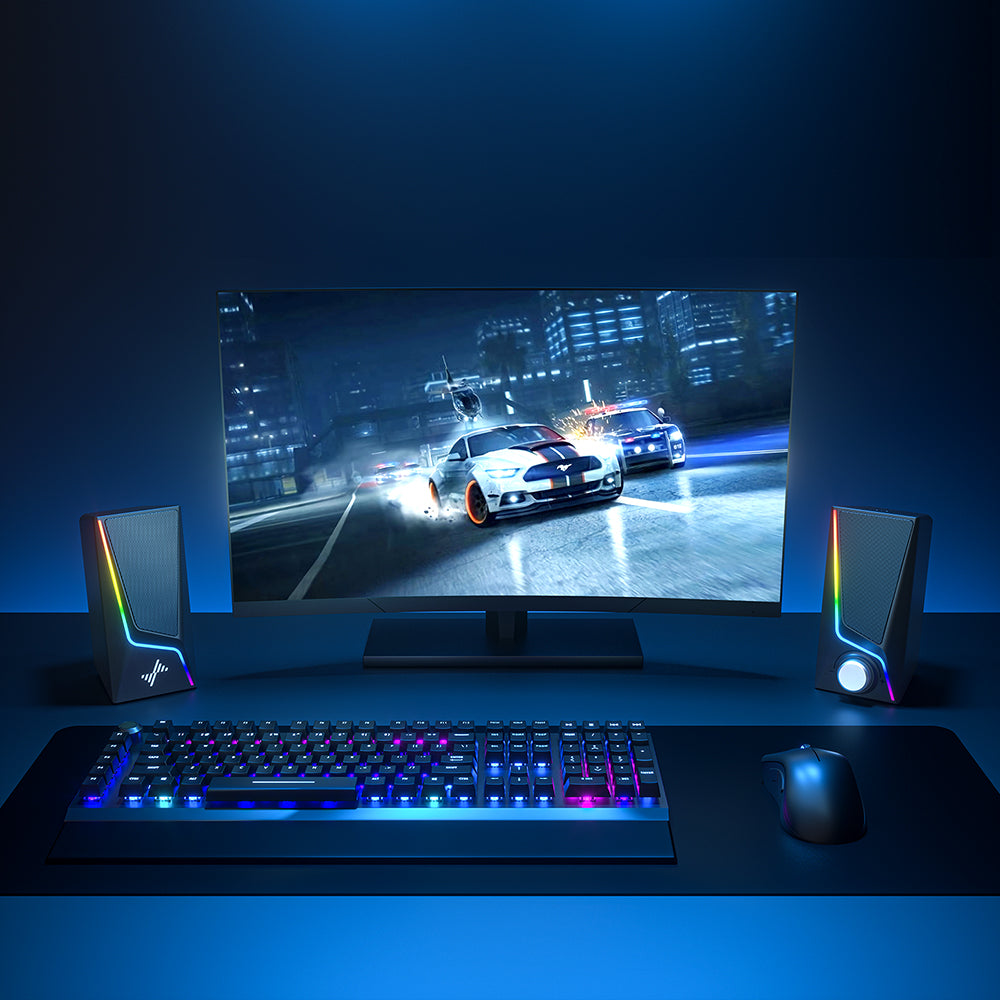
  • 【Touch Control Lighting】6 touch-controlled lighting modes - symphony, flowing, breathing and 3 solid colors, are designed into the speakers for pc to personalize your desktop, heightening your gaming and listening enjoyment
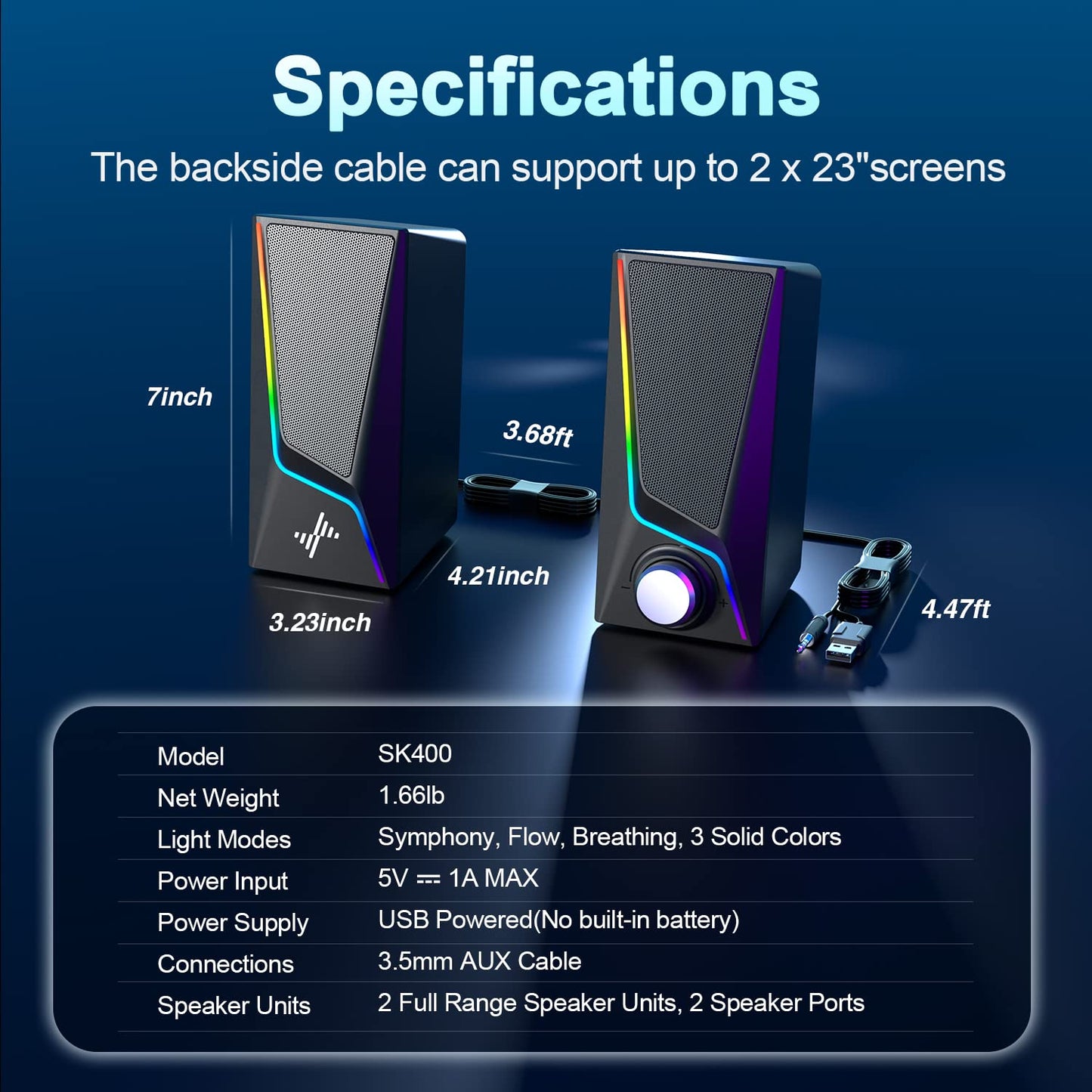
  • 【Easy to Control】Turn pc speakers on/off and adjust volume smoothly with one simple knob. No need to use multiple buttons or computer to adjust the volume. The dimension of it is 3.23" L*4.21" W*7" H
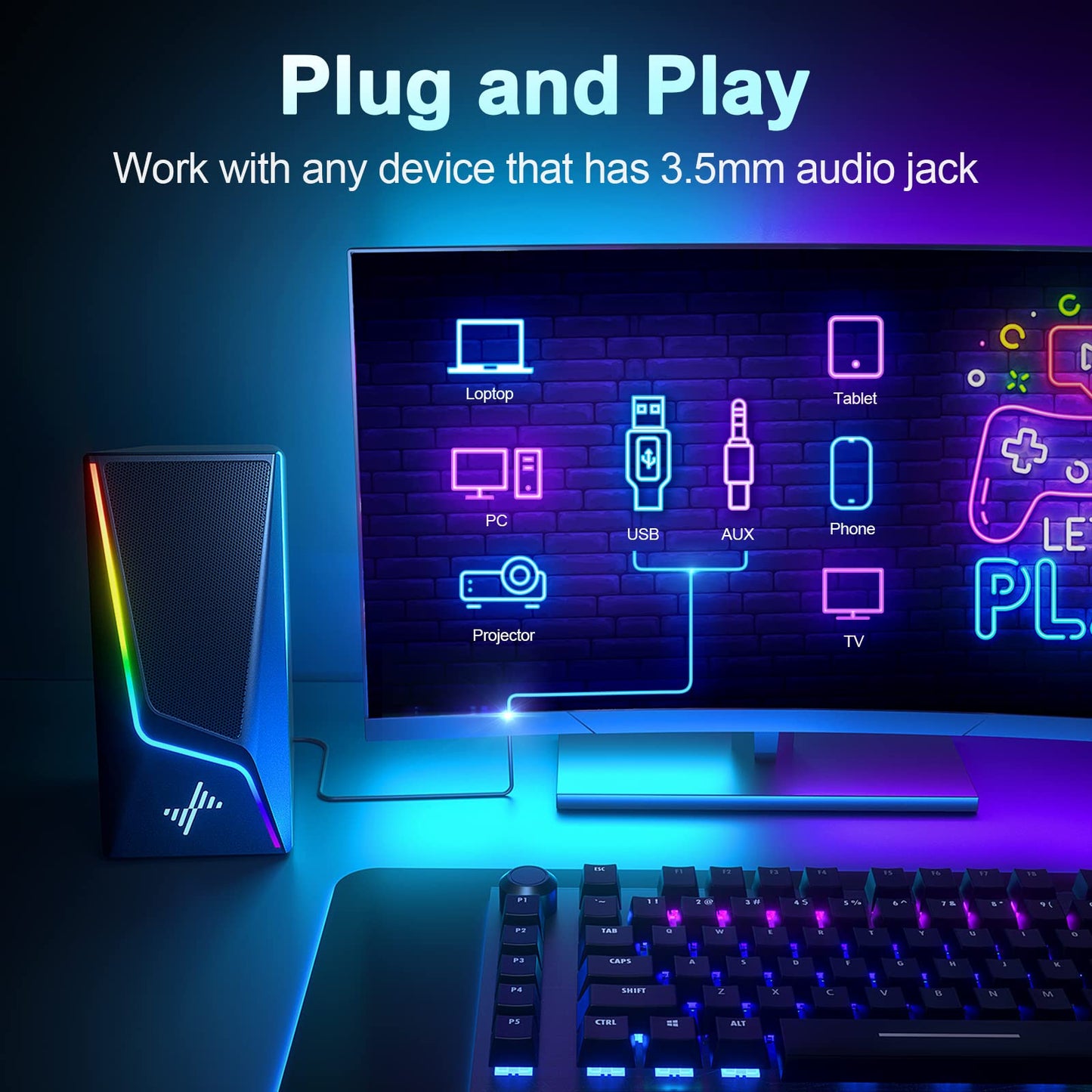
  • 【Plug and Play】 Equipped with a USB cable and 3.5mm audio cable, the gaming speaker is plug-and-play for a wide range of PC, laptop, phone, or tablet compatibility (No drivers needed and No Bluetooth)

Features & Specs

- Speaker Maximum Output Power: 5 Watts
- Connectivity Technology: USB Powered& 3.5 mm Connected (NO BT)
- Audio Output Mode: Stereo
- Mounting Type: Tabletop Mount
- Item Dimensions: 4.21"D x 7"W x 3.23"H

30-Day Return

30-Day Return & Shipped by Amazon.

1-Year Warranty

We support free replacement in one year.

View Product Details

FAQ-SK400

  1. Check if the 3.5mm audio cable is plugged into the headphones/aux-out jack correctly. Then set the Audio-out Channel to "Headphones" or"Speakers" on the computer.
  2. Turn up both the volume of the speakers and the computer.
  3. If the above doesn't work, please contact us with a picture of the audio jack and the audio setting. We will respond to you within 24h.
  1. Try to play different audio files to see if it's a quality issue of the file.
  2. Change different devices to check for audio output compatibility of the device.
  3. Plug the USB cable into the wall outlet with a plug adapter for another try.
  1. Turn up both the volume of the soundbar and the computer.
  2. Windows: Download a free equalizer software: www.fxsound.com. Then choose the “Volume Boost” or “Bass Boost” in the software.Mac OS: Download a equalizer software: https://www.nimblesnail.com. Then you can adjust the volume and bass as you like.

Please press and hold the light button on the top of the right speaker for 2 second.