






FAQ-TX19
Which devices are supported?
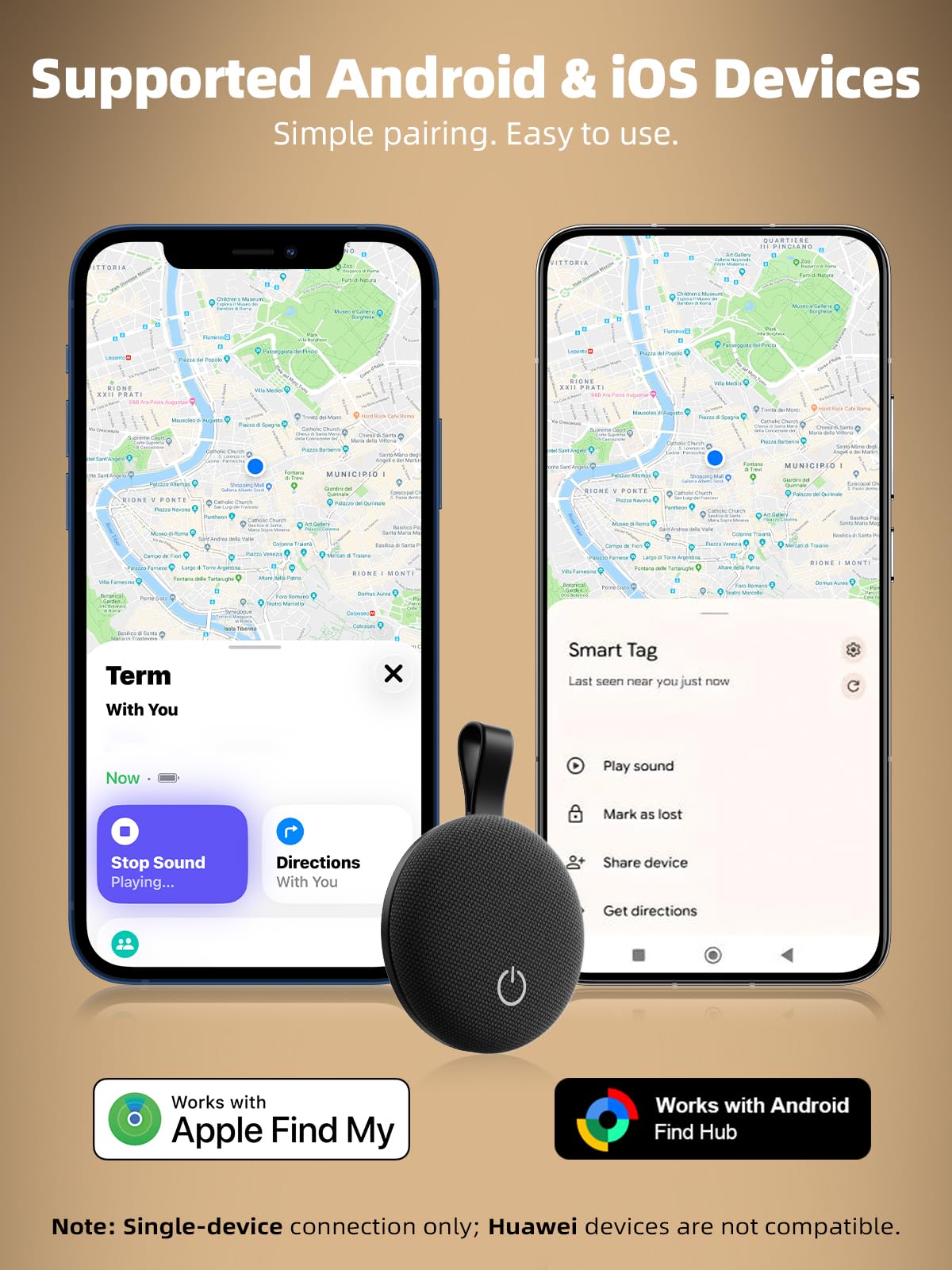
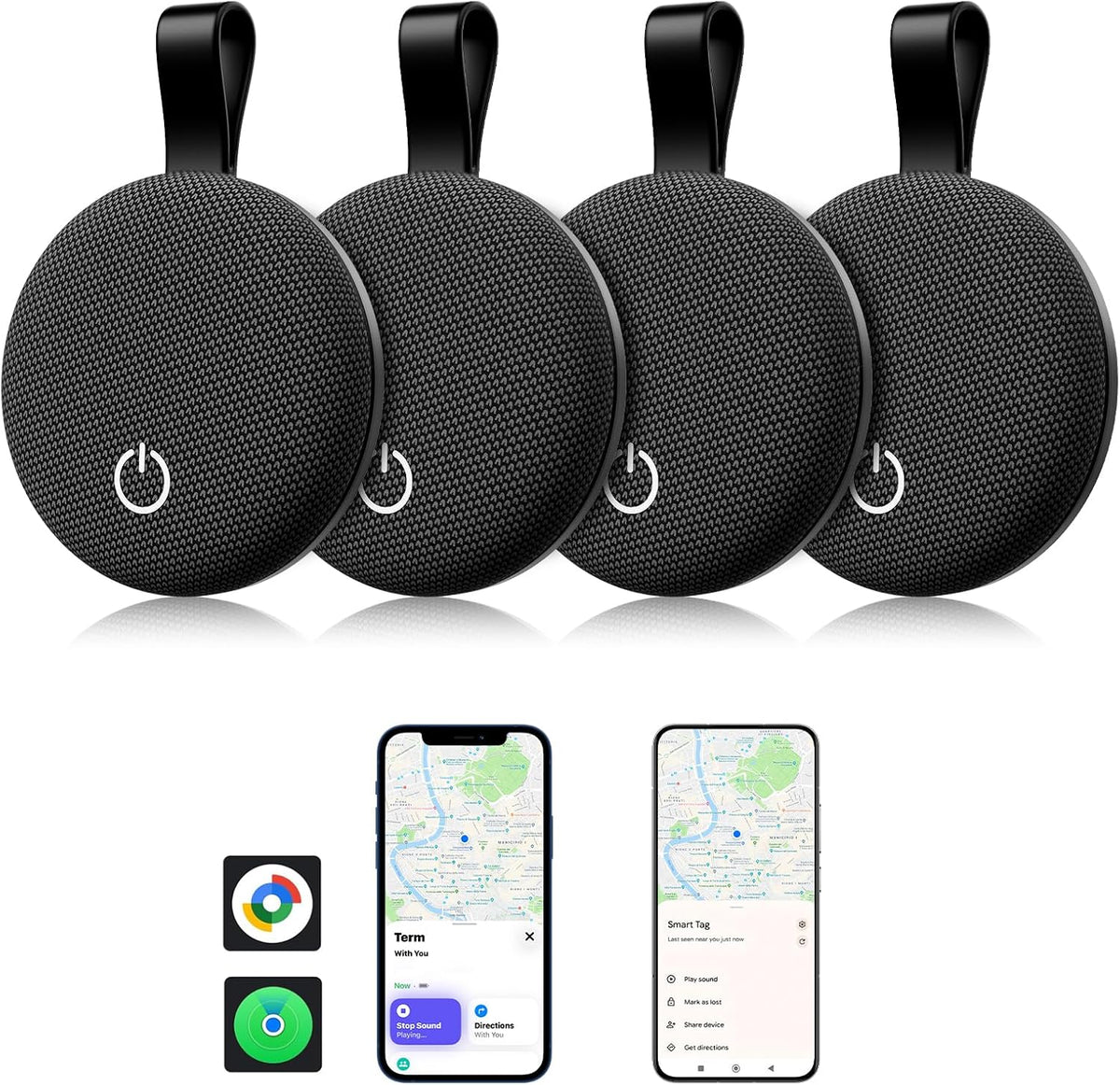
- This Bluetooth tracker works with both iOS and Android devices.
- iOS: iPhone 8 or later with iOS 17.7 or above.
- Mac: Mac models from 2018 or later with macOS 11.5+ (view location and status only).
- Android: Most devices running Android 11 or later, including Google Pixel, Samsung Galaxy, Xiaomi, Sony, and other mainstream Android phones.
- Note: Huawei devices are not supported.
How many trackers can I connect to my phone?
You can manage multiple item trackers on a single device.iOS: up to 32 trackers.Android: up to 100 trackers.
How do I connect the tracker to my phone?
- Step 1: Open the Find My app (iOS) or Find Hub app (Android).
- Step 2: Remove the battery insulation tab, then press and hold the button for about 2 seconds until you hear a beep.
- Step 3: In the app, tap Add Item → Other Supported Item.
- Step 4: When your tracker appears on screen, tap Connect and follow the prompts to finish setup.
My tracker won't connect. What should I do?
- Ensure Bluetooth is ON, your network is stable, and your operating system is up to date.
- Check Battery: Ensure your phone and tracker have sufficient power.
- Reset & Retry: If it still won't connect, perform a Factory Reset (see below) and wait a few minutes before trying again.
- Factory Reset: While powered on, press and hold the button. You will hear: Beep → Beep-Beep → Beep-Beep-Beep. Keep holding for 5 seconds, then release when you hear a continuous Beep-Beep sound. The device is now reset.
Why can't I connect after resetting the tracker?
If the tracker is still linked to a previous Apple ID, it will remain locked and cannot be paired with another device.
The original owner must remove the tracker from the Find My app by selecting Remove Item.Once removed, reset the tracker and try pairing again.If you cannot reach the previous owner, please contact us at support@xiauma.com for assistance.
Does this tracker use GPS?
No. This tracking device uses Bluetooth technology, not GPS.
By leveraging the Find My / Find Hub network, nearby compatible devices can securely help update the location of your item without requiring a built-in GPS chip.
What is the Bluetooth range?
The Bluetooth tracker has a range of up to 40 m (130 ft) in open areas.
Why hasn’t my tracker updated its location in a long time?
Location updates depend on nearby devices in the network.If your tracker is in an area with few nearby phones or weak connectivity, the location may take longer to refresh.
Once another compatible device comes within range, the location can update again.
How long does the battery last, and can I replace it?
The tracker uses a CR2032 battery.
Under normal use, the battery lasts about 10–12 months.When the battery runs low, it can be easily replaced. Please refer to our battery replacement guide or video for instructions.
How loud is the alert sound?
The built-in speaker produces an alert of about 80 dB, making it easy to locate nearby items using the Play Sound feature in the app.
Why does my tracker sometimes beep automatically?
This is a built-in safety and anti-tracking feature.
If a tracker moves while separated from its paired phone for a period of time, it may emit a sound automatically to prevent unauthorized tracking.
Is the tracker waterproof?
Yes. The tracker has an IP65 water-resistant rating, which protects it from rain, and accidental splashes during everyday use.
Do I need a monthly subscription to use this tracker?
No subscription is required.This Bluetooth tracker works without any monthly fees, and all core tracking features are available directly through your phone.